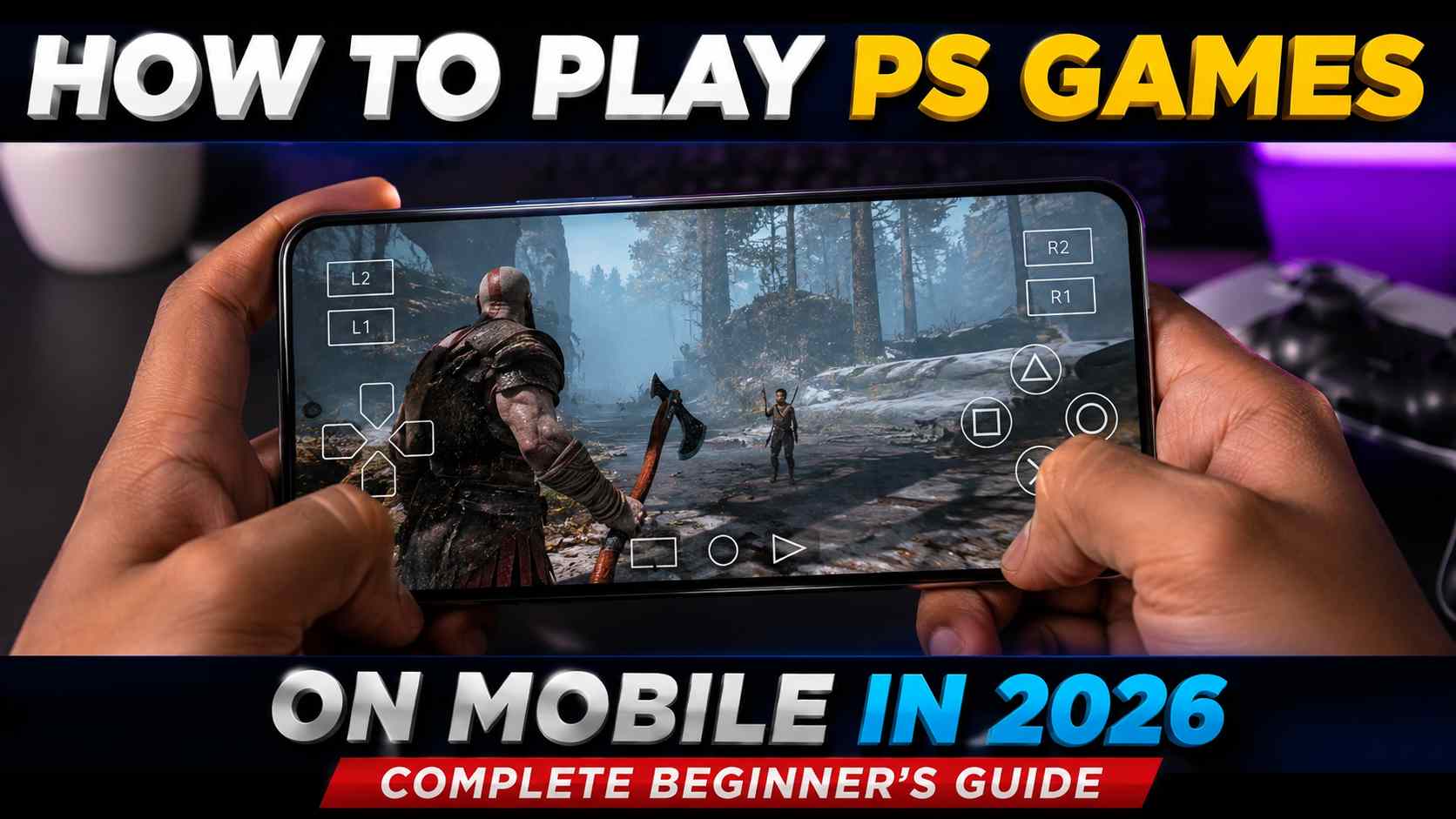
Playing PlayStation games on a smartphone has become easier than ever in 2026. Whether you own a PS4 or PS5, you can enjoy your favorite games directly on your Android or iPhone using official and supported methods. Modern mobile devices, faster internet connections, and improved remote gaming technology allow players to continue their gaming sessions from almost anywhere. This guide explains everything beginners need to know about playing PS games on mobile safely and efficiently.
What You Need Before You Start
Before playing PlayStation games on your phone, you’ll need a PlayStation 4 or PlayStation 5 console, a PlayStation Network account, and a compatible Android or iPhone device. A stable Wi-Fi connection is recommended for the best experience, although high-speed mobile data can also work. Keeping your console updated with the latest system software ensures compatibility with the newest remote gaming features.
Install the PlayStation Remote Play App
The easiest and officially supported way to play PlayStation games on mobile is by using the PlayStation Remote Play app. After downloading the app from your device’s app store, sign in with the same PlayStation Network account linked to your console. The app will guide you through connecting your phone to your PlayStation, allowing you to stream games directly from your console to your mobile device.
Set Up Your PlayStation Console
Your PlayStation console must be configured for Remote Play before you can begin gaming on your phone. Enable the Remote Play option in your console settings and make sure the console can stay connected to the internet while in Rest Mode. These settings allow your phone to locate and connect to your PlayStation even when you’re away from home.
Connect a Controller for the Best Experience
Although some games support touchscreen controls, using a wireless controller provides a much better gaming experience. Most modern Android phones and iPhones support PlayStation DualSense and DualShock 4 controllers through Bluetooth. Pairing your controller with your phone makes gameplay more comfortable and offers controls similar to playing directly on the console.
Optimize Your Internet Connection
A strong and stable internet connection is essential for smooth gameplay. Connecting both your PlayStation console and your mobile device to high-speed Wi-Fi reduces input delay and improves video quality. If you’re playing away from home, a fast 5G mobile network can also provide excellent performance, although data usage may be significant during extended gaming sessions.
Adjust Video Quality Settings
The Remote Play app allows you to choose different video resolutions and frame rates depending on your internet speed. Lower settings can improve stability on slower connections, while higher settings deliver sharper graphics on faster networks. Experimenting with these options helps you find the best balance between image quality and smooth performance.
Popular PS Games That Work Well on Mobile
Many PlayStation games perform exceptionally well through Remote Play. Story-driven adventures, racing games, sports titles, action games, role-playing games, and indie releases can all be enjoyed on mobile devices. Performance depends mainly on your network quality rather than the game itself, making it possible to enjoy a wide variety of PlayStation experiences wherever you are.
Common Problems and Easy Solutions
Some users may experience connection issues, controller pairing problems, or lag during gameplay. Restarting your console, updating the Remote Play app, checking your internet connection, and ensuring both devices are running the latest software usually solve most common issues. Using a 5 GHz Wi-Fi network instead of a crowded 2.4 GHz network can also improve streaming performance.
Tips for the Best Mobile Gaming Experience
Playing with a fully charged phone, using headphones for clearer audio, connecting to a reliable internet network, and reducing background apps can significantly improve your gaming sessions. A phone stand or controller mount also makes long gaming sessions more comfortable and helps create a console-like experience while traveling or relaxing away from your television.
Download App
Playing PS games on mobile in 2026 is simple thanks to the official PlayStation Remote Play app and modern smartphone technology. With a compatible PlayStation console, a stable internet connection, and a supported controller, you can enjoy your favorite PS4 and PS5 games almost anywhere. By following the proper setup steps and optimizing your connection, you’ll experience smooth, convenient, and enjoyable PlayStation gaming directly from your Android or iPhone.