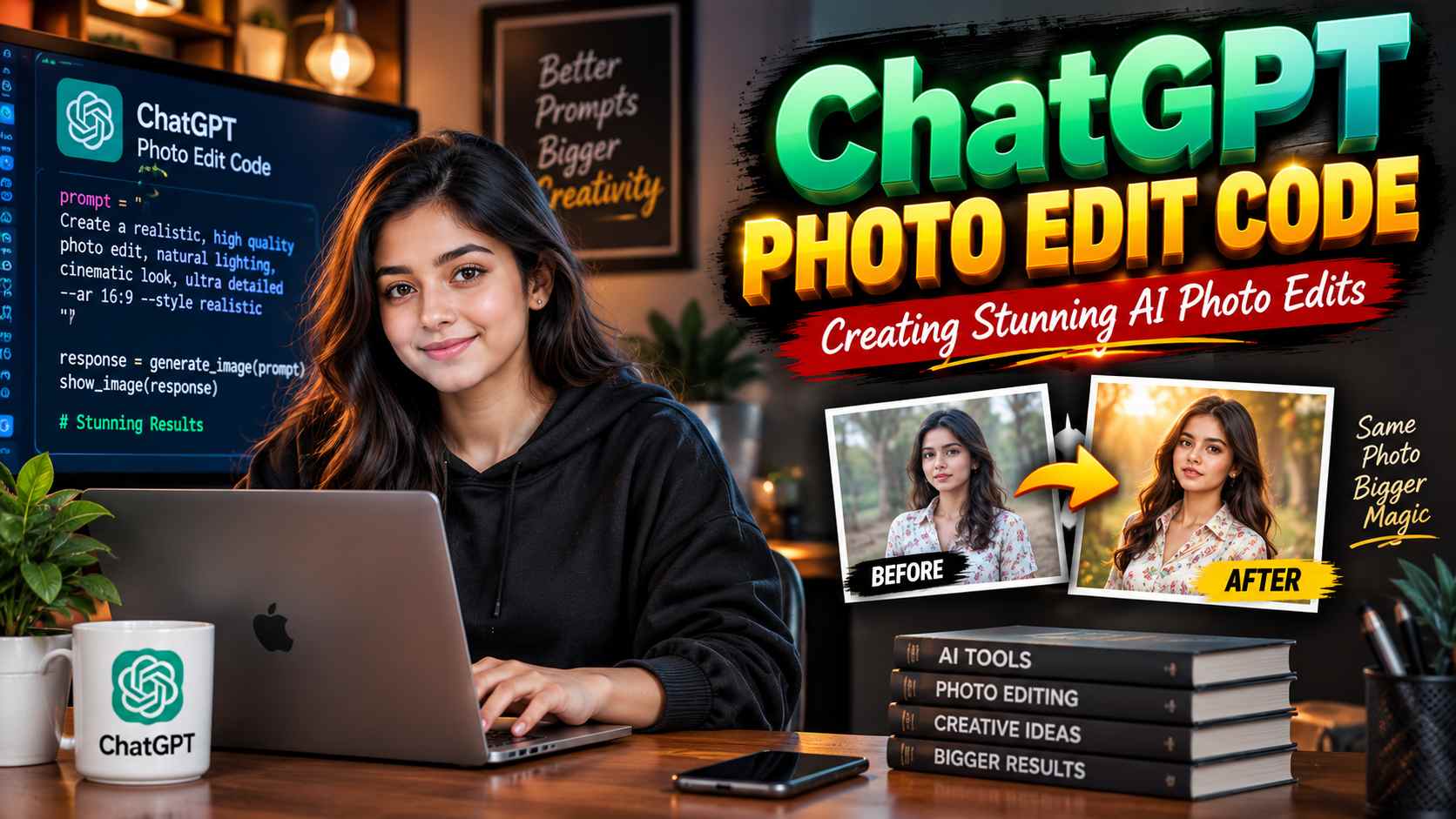
ChatGPT photo edit code has become one of the most searched AI trends because people want to create professional-looking photo edits using simple text prompts instead of learning complex editing software. Whether you want a cinematic portrait, a drone-view transformation, a realistic office scene, or a social media-ready image, the right ChatGPT photo edit code can help generate impressive results quickly. This guide explains how these AI prompts work and how to write better ones for high-quality image generation.
What Is ChatGPT Photo Edit Code?
A ChatGPT photo edit code is simply a detailed text prompt that tells AI exactly how to create or edit an image. Instead of using manual editing tools, users describe the subject, background, lighting, camera angle, clothing, facial expression, and overall style. The AI interprets these instructions and generates an image that matches the description as closely as possible.
Why AI Photo Edit Prompts Are Becoming Popular
The biggest reason people use ChatGPT photo edit codes is convenience. Traditional photo editing often requires experience with Photoshop or other editing software, but AI allows beginners to achieve attractive results with just a few lines of text. Content creators, YouTubers, Instagram users, and businesses use these prompts to save time while producing eye-catching visuals for their content.
How a Strong ChatGPT Photo Edit Code Works
The best AI photo prompts include clear details rather than short commands. A strong prompt usually describes the person’s appearance, clothing, pose, background, lighting, camera perspective, and image quality. Adding phrases like “realistic face,” “natural lighting,” “4K professional photo,” and “cinematic depth of field” helps the AI create more polished and realistic images.
Example ChatGPT Photo Edit Code for a Realistic Portrait
A realistic portrait prompt can look like this: “Create a 25-year-old Indian man with a realistic face, wearing a casual black shirt and a smartwatch, standing outdoors during golden hour with natural sunlight, DSLR camera quality, shallow depth of field, ultra-realistic skin texture, and 4K professional photography.” This type of prompt gives the AI enough detail to produce a more convincing image.
Creating Viral Social Media Photo Edits
Many viral Instagram Reels and YouTube Shorts use creative AI photo edit codes with dramatic backgrounds and cinematic lighting. Popular styles include luxury car scenes, office portraits, coffee shop aesthetics, travel photography, drone-view shots, and neon city backgrounds. Adding specific camera angles and lighting descriptions often makes these edits look more professional and engaging.
Tips for Writing Better AI Photo Prompts
The quality of an AI-generated image depends heavily on how clearly the prompt is written. Using complete sentences with descriptive words usually produces better results than short keywords alone. Mentioning realistic facial features, natural shadows, balanced lighting, and high-resolution output helps improve consistency and creates more visually appealing images.
Common Mistakes to Avoid
Many users expect perfect results from very short prompts, but vague instructions often lead to inconsistent images. Avoid using conflicting descriptions, unrealistic combinations of styles, or too many unrelated effects in a single prompt. Keeping the instructions organized and focused usually produces cleaner and more accurate results.
Best ChatGPT Photo Edit Styles to Try
Some of the most popular AI photo edit styles include cinematic portraits, professional business headshots, fashion photography, travel scenes, drone-view transformations, rainy street photography, luxury lifestyle edits, and studio-quality close-up portraits. These styles work well because they combine clear visual direction with realistic photography techniques.
How ChatGPT Works with AI Image Generation
ChatGPT helps users create detailed prompts for AI image generation, making it easier to communicate exactly what they want. Instead of guessing which words to use, users can describe their idea naturally, and ChatGPT can turn that idea into a structured prompt suitable for generating high-quality images with realistic details and creative effects.
50+ ChatGPT Photo Codes
* /fog
* /movieposter
* /droneview
* /cyberpunk
* /anime
* /ghibli
* /cinematic
* /superhero
* /vintage
* /retro
* /goldenhour
* /rainyday
* /snowfall
* /fireeffect
* /angelwings
* /samurai
* /viking
* /warrior
* /mafia
* /astronaut
* /spaceview
* /underwater
* /jungle
* /mountainview
* /luxurycar
* /sportsbike
* /futuristic
* /robotic
* /glitch
* /comicbook
* /3drender
* /actionscene
* /detective
* /epicportrait
* /ultrarealistic
* /RAINYFOREST
* /OUTFITCHANGE
* /BGPERSONREMOVE
* /STICKER
* /DSLRNATURAL
* /GPROREAL
* /BIRTHDAYPOSTER
* /AESTHETIC
* /PROFILEPHOTO
* /PASSPORTPHOTO
* /MOTIONBLUR
* /MIRRORSELFIE
* /TOPVIEW
* /DRONEVIEW
The Future of AI Photo Editing
AI photo editing continues to evolve rapidly, making professional-quality image creation more accessible than ever. As prompt writing becomes more refined and image generation technology improves, users will have even greater control over realistic portraits, creative transformations, and cinematic visuals. Learning how to write effective ChatGPT photo edit codes today can help creators produce impressive content faster while keeping up with the growing world of AI-powered design.