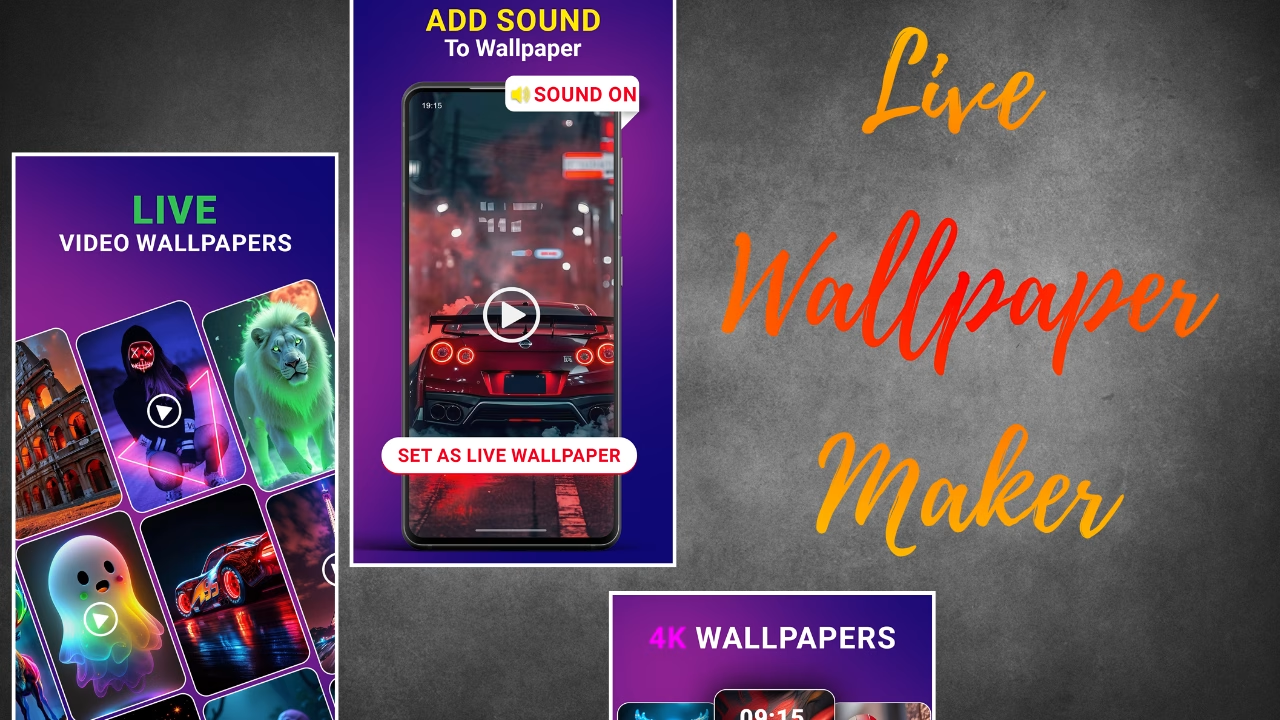
Introduction to Video Wallpaper Maker Lite
Video Wallpaper Maker Lite is a creative mobile application designed for users who enjoy customizing their device screens with dynamic visuals. Unlike traditional wallpapers that remain static, this app allows you to set videos as your home screen or lock screen background, adding life, color, and movement to your phone. Its lightweight design makes it easy to use even on devices with limited storage or processing power.
Features of Video Wallpaper Maker Lite
Video Wallpaper Maker Lite offers a range of helpful features that make mobile personalization simple. The app supports high-quality video formats, allowing you to choose from your own gallery or download video clips to use as wallpaper. It offers a smooth playback experience and ensures your device performs well without affecting battery life. The app also includes trimming tools, playback settings, and loop options.
How the App Enhances Device Personalization
The app transforms how users interact with their phones by turning normal wallpaper into a dynamic experience. With moving backgrounds, every time you unlock your phone, you get a refreshing visual treat. This adds a personal touch that reflects your taste, mood, or style. The ease of switching videos allows you to change themes frequently, keeping your device lively.
User Experience and Interface
Video Wallpaper Maker Lite features a clean and easy-to-navigate interface. Whether you are a beginner or someone who regularly edits videos, the straightforward layout ensures you can set a video wallpaper within seconds. The app loads quickly, processes videos efficiently, and provides clear options for previewing or applying wallpapers.
Video Editing Capabilities
The app includes basic video editing tools that help you prepare the perfect wallpaper. You can trim unwanted parts of the video, adjust the frame, and set the playback speed. These features allow you to refine the video to match your screen size and personal preference without relying on external editing apps.
Battery and Performance Optimization
Despite using videos as wallpapers, the app is optimized to consume minimal battery. It efficiently handles video playback and ensures the device does not overheat. Performance is smooth, even during long hours of use, making it suitable for everyday customization without worry.
Compatibility and Device Support
Video Wallpaper Maker Lite works on most Android devices and supports various screen sizes. Whether you use a budget smartphone or a high-end device, the app adjusts wallpapers accordingly, offering a seamless experience across different resolutions.
Creative Uses of Video Wallpapers
Users can get creative by using slow-motion clips, nature videos, animations, or personal recordings. Some prefer calming backgrounds like ocean waves, while others enjoy fast-paced visuals such as neon loops. The app allows endless customization possibilities, making every phone look unique.
How to Set Up a Video Wallpaper
Using Video Wallpaper Maker Lite is simple. After installing the app, you can open it, select a video from your gallery, edit it if needed, and set it as your wallpaper. The preview option helps you see how the wallpaper looks before confirming your choice.
Conclusion
Video Wallpaper Maker Lite is a great tool for anyone who loves personalizing their smartphone. It offers flexibility, creativity, and user-friendly features that make video wallpapers easy to set and enjoy. With smooth performance and simple controls, the app ensures your device stands out with a vibrant, moving background.