Introduction
Applying for a driving license is one of the most important steps for anyone who wants to drive legally in India. The government has simplified the entire process by introducing an online system that allows you to apply from home without visiting the RTO multiple times. This article explains how to apply for a driving license online, the eligibility rules, required documents and what to expect during the process.
Understanding the Online Driving License System
The Ministry of Road Transport and Highways has built a centralised portal called Parivahan Sewa. This portal lets applicants apply for a learner’s license, permanent license, renewal and duplicate license. Since everything is digital, you don’t have to stand in long queues or deal with unnecessary paperwork. The system is designed to make the entire procedure smooth and transparent.
Basic Eligibility Before Applying
To apply for a driving license, you must meet the age and health requirements. For a two-wheeler without gear, the minimum age is sixteen years with parental consent. For a two-wheeler with gear or a car, the minimum age is eighteen years. Applicants must be physically fit, able to read road signs and follow traffic rules. Having a valid learner’s license is mandatory before applying for a permanent license.
Visiting the Parivahan Website
The first step is to visit the official Parivahan Sewa portal. After opening the website, choose your state because driving license rules may slightly vary from one state to another. The portal then redirects you to the state-level transport service page where you can continue the application process. Before getting a permanent driving license, applying for a learner’s license is necessary. On the portal you can select the learner’s license section, enter your personal details, upload identity and address proof and book a slot for the online learner’s test. The test checks your knowledge of traffic signs, lane discipline and basic driving rules. After passing the learner’s test, you receive your learner’s license digitally.
Preparing for the Learner’s Test
To pass the test easily, make sure you revise basic traffic symbols, speed limits, signal meanings and safety rules. Many states offer online mock tests on the portal itself to help you practice. The test is simple, and most applicants clear it on the first attempt if they prepare properly. After completing thirty days from the date of issuing your learner’s license, you can apply for the permanent driving license. On the Parivahan portal, select the driving license services section and choose “Apply for New Driving License.” You must enter your learner’s license number, personal details and upload required documents.
Booking the Driving Test Slot
Once the application is submitted, the next step is booking a driving test slot. The driving test is conducted at your nearest RTO. You can choose a date and time according to your convenience. The portal confirms your appointment and generates an acknowledgment slip that you must carry on the test day. During the driving test, an RTO officer checks your ability to control the vehicle, follow signals and complete basic driving tasks. For two-wheelers, the test usually includes riding along a marked track. For four-wheelers, the officer checks your steering control, reversing skills, parking, lane discipline and road awareness. Passing the test confirms that you are capable of driving safely on public roads.
Receiving the Driving License
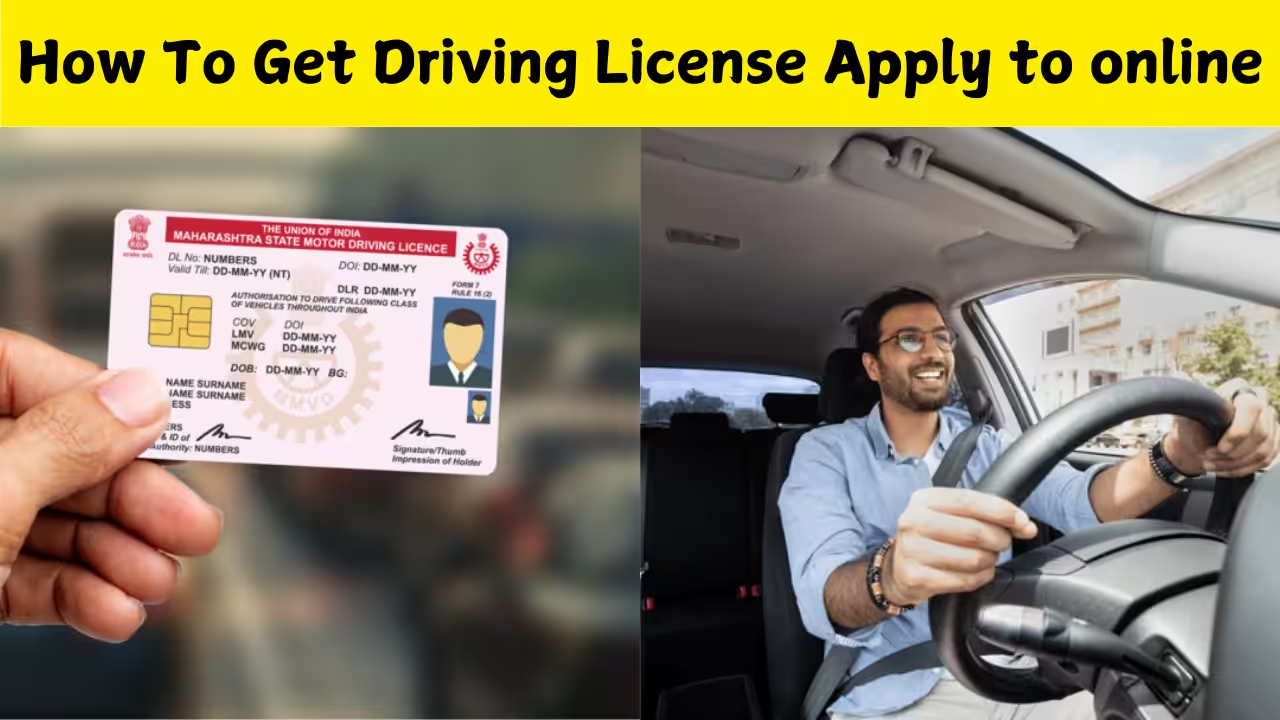
After successfully clearing the test, your details are verified by the RTO. The driving license is then generated and sent to your registered address. Many states also offer the digital form of the license on the DigiLocker or mParivahan app. This digital license is legally valid across India. Applicants must upload identity proof like Aadhaar card, PAN card or passport, address proof such as ration card or utility bill, age proof and a passport-size photograph. A medical certificate may be required for applicants above forty years. Make sure the documents uploaded are clear to avoid delays.
Download App
Fees and Payment Process
The online portal displays the applicable fees for learner’s license, driving test, smart card printing and other services. You can pay the fees using UPI, debit card, net banking or credit card. The receipt generated after payment must be saved because it is needed during the RTO visit. The online driving license system saves time, reduces visits to the RTO and avoids unnecessary paperwork. You can complete most of the steps from home, including document uploads and fee payments. Slot booking also makes the process organised, preventing long waiting periods at the RTO office.
Common Problems and How to Avoid Them
Some applicants face issues such as incorrect document upload, slow website loading or missing acknowledgment slips. To avoid problems, always check that your documents are in the correct format, use a stable internet connection and keep digital copies of all receipts. If any error appears, you can revisit the portal and correct the information before final submission. Getting a driving license online has become simpler, faster and more user-friendly. Whether you are applying for a learner’s license or a permanent license, the Parivahan portal guides you through each step clearly. With proper preparation and correct documents, you can complete the entire process smoothly and receive your driving license without any hassle.