A New Trend in AI Memory Editing
Child to current image transfer video editing has become one of the most emotional and viral trends in digital creativity. People love seeing their childhood photos smoothly transform into their present-day look using AI video tools. This editing style mixes nostalgia with modern technology, creating a powerful storytelling experience that feels personal and cinematic. Many creators are now sharing these transformation videos on Instagram Reels, YouTube Shorts, and TikTok because they instantly grab attention.
What is a Child to Current Image Transfer Video
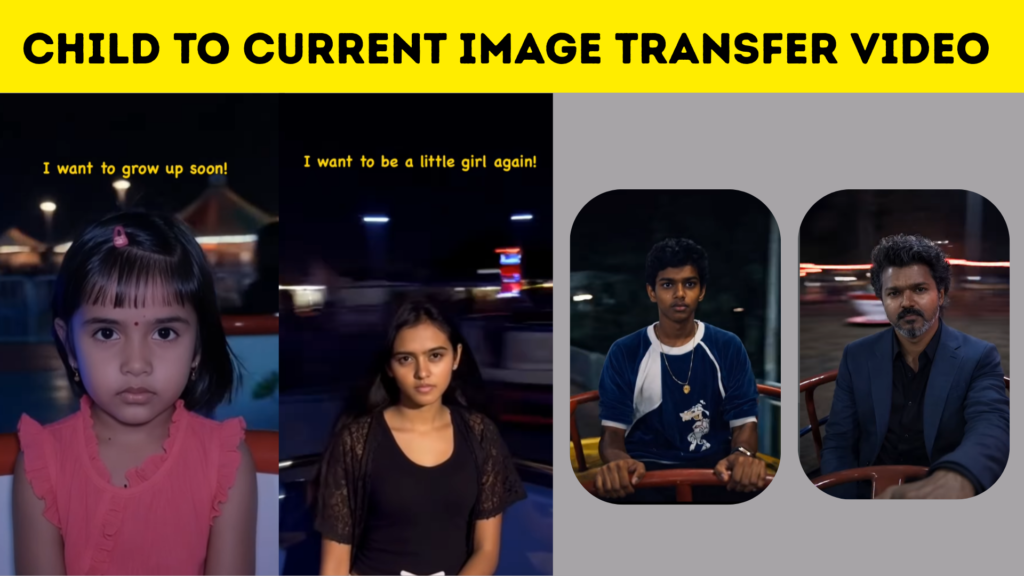
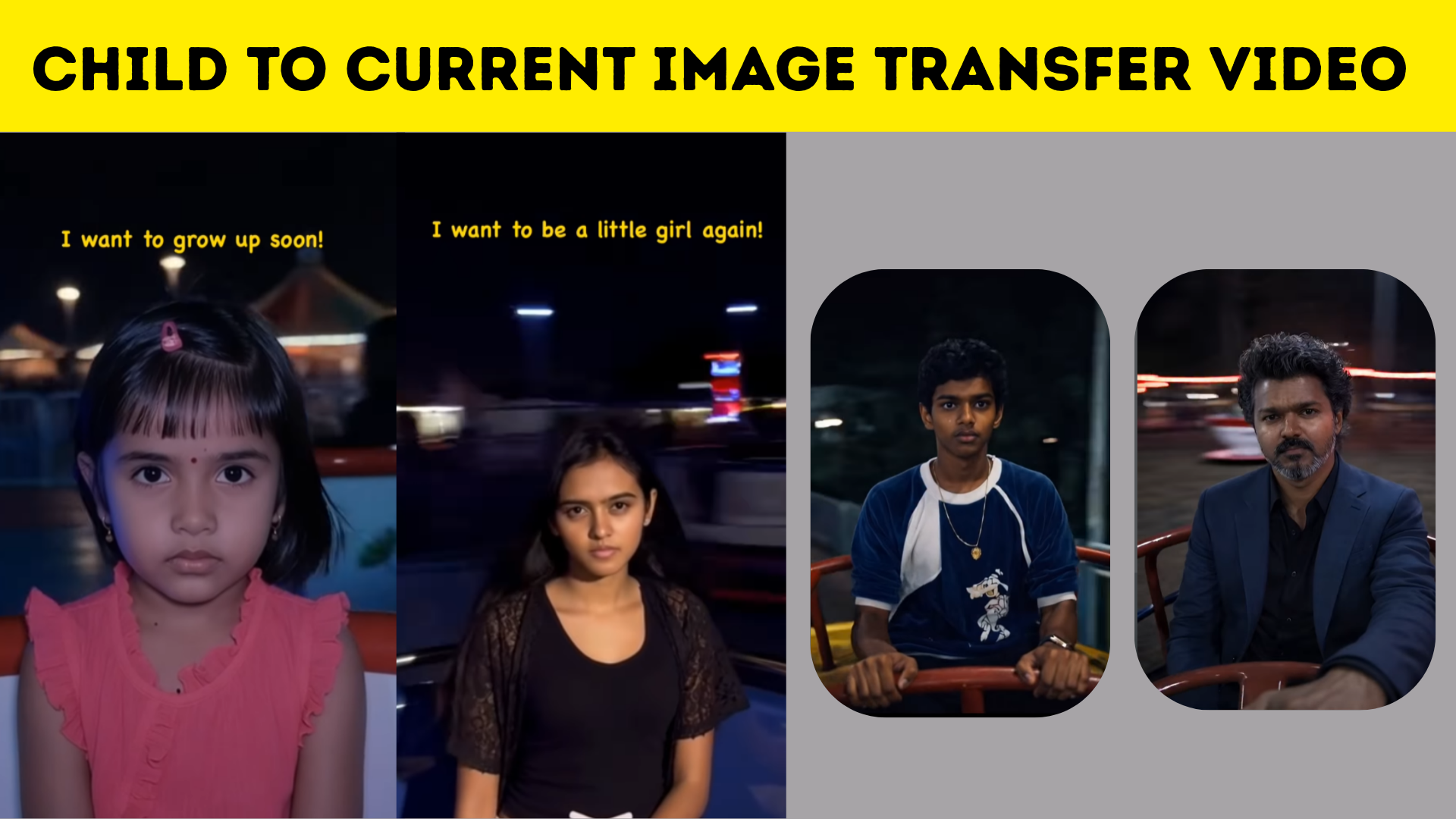
A child to current image transfer video is a visual transition where an old childhood photo gradually morphs into a recent image of the same person. Instead of a simple slideshow, AI tools analyze facial structure, expressions, and angles to produce a smooth motion effect. The result looks like a time-travel moment, showing growth and change within seconds, which makes viewers emotionally connected to the content.
Why This Editing Style is Going Viral
The popularity of this trend comes from its emotional storytelling power. Audiences enjoy content that feels real and relatable, and transformation videos naturally create curiosity. When viewers see a child’s smile slowly turn into an adult’s confident expression, it sparks nostalgia and engagement. Social media algorithms also favor visually striking transitions, which is why creators using this style often experience higher reach.
Choosing the Right Childhood and Current Photos
To create a stunning transfer video, selecting the right photos is very important. The childhood image should be clear, well-lit, and preferably facing forward so the AI can match facial details easily. The current photo should have a similar angle and lighting style to make the transition look natural. When both images align visually, the transformation effect becomes smoother and more realistic.
How AI Tools Create the Transformation Effect
Modern AI editing apps use facial recognition and motion prediction to build the transformation frame by frame. The software maps key points like eyes, nose, and mouth, then gradually blends the images together through animation. Some apps even add subtle zoom, lighting changes, and cinematic blur to enhance the emotional impact. This automation makes it possible for beginners to create professional-looking videos without advanced editing skills.
Creative Ideas to Make Your Video Stand Out
Adding a personal touch can turn a simple transformation into a memorable story. Soft background music, emotional captions, or a slow cinematic color grade can enhance the mood. Many creators also add text overlays that represent milestones in life, such as school days or achievements. These small creative details help your video feel unique instead of just another trend.
Best Platforms to Share Transformation Videos
Short-form video platforms are perfect for this type of content because the transformation effect quickly captures attention. Instagram Reels and YouTube Shorts work well for vertical videos with dramatic transitions, while longer storytelling edits can perform better on regular YouTube uploads. Posting at the right time and using engaging thumbnails can further improve visibility.
SEO Benefits of Creating Transformation Content
From a blogging and content marketing perspective, child to current image transfer videos can bring strong SEO traffic. Keywords related to AI photo editing, face transformation, and nostalgic video trends are currently popular in search results. When creators combine video content with written blog guides, they increase the chances of ranking on search engines and attracting new audiences organically.
Common Mistakes to Avoid During Editing
One of the biggest mistakes is using low-resolution images that make the transition look blurry or unnatural. Another issue is applying too many effects, which can distract from the emotional story. Keeping the focus on the transformation itself usually produces a more powerful result. Maintaining consistent lighting and avoiding sudden cuts also helps the video feel smooth and professional.
CHATGPT IMAGE PROMPT :-
The character should appear to be sitting on a spinning wheel in a playground, with only their face and part of their torso visible. The background should rotate in circles, creatina the illusion of rapid spinning. The character should have a serious ano melancholic expression and be looking directlv at the camera. The background should resemble a nighttime playground with a slight blurring effect to further suggest speed.
GROK VIDEO PROMPT :-
The character should appear to be on top of a spinning merry-g-round at a playground, rotating in circles while the background appears to move quickly. The character must have the expression serious, without changing facial expressions. Do not change physical features: keep the clothing, hair, and everything else exactly the same, only changing the setting and following the script. The character should feel grounded and affected by gravity while spinning. The hair should move and flow naturally with the motion, but the body must remain stable and centered, without excessive Swaying. The character should stay facing forward, looking ahead, with only subtle, realistic movement
Future of AI Memory Transformation Videos
As AI technology continues to evolve, transformation editing will become even more realistic. Future tools may allow automatic aging effects, voice narration based on old memories, or even 3D animations built from childhood photos. This means creators will have endless opportunities to turn personal memories into shareable digital art. Child to current image transfer videos are more than just a trend; they represent a new way of preserving memories through technology. By combining clear photos, creative storytelling, and smart AI tools, anyone can create a video that feels meaningful and visually impressive. Whether you are a content creator, blogger, or someone who simply wants to relive special moments, this editing style offers a beautiful way to connect the past with the present.