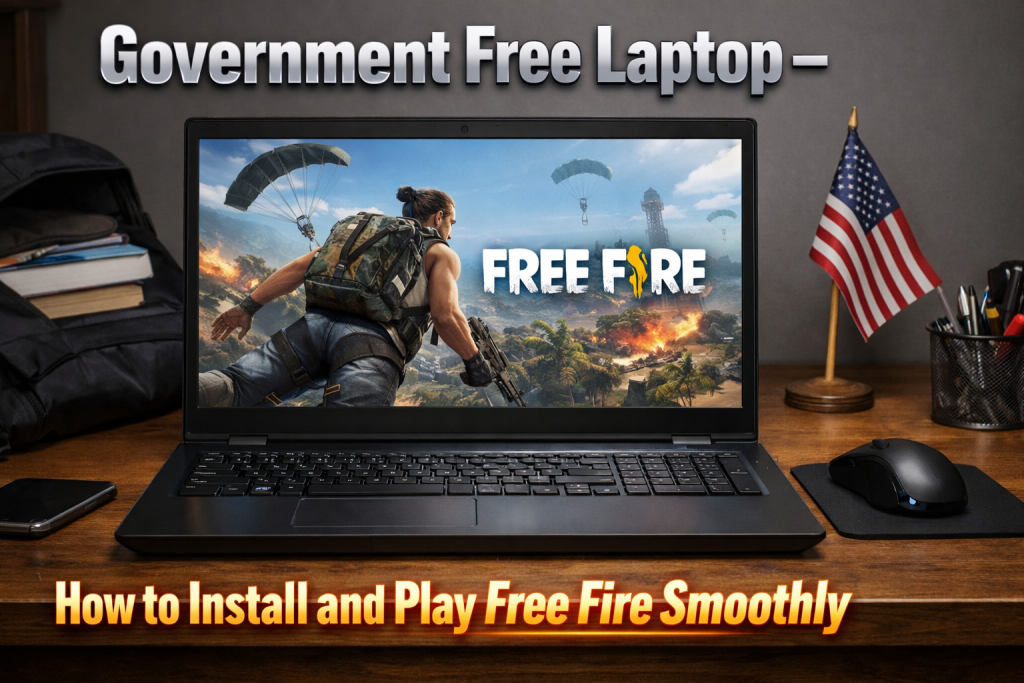
Can You Play Free Fire on a Government Free Laptop?
Garena Free Fire is one of the most popular battle royale games among students in India. Many students who received a government free laptop often wonder whether they can install and play this game on it. Since these laptops are mainly provided for educational purposes, they are not designed as gaming machines. However, with the right setup and optimized settings, it is possible to run Free Fire smoothly for casual gameplay.
Understanding the Limitations of Government Laptops
Government-issued laptops usually come with basic configurations such as entry-level processors, limited RAM, and integrated graphics. These specifications are suitable for browsing, online classes, and basic software usage. Heavy gaming is not their primary purpose. Before installing any game, it is important to understand the hardware limitations so you can manage expectations regarding graphics quality and performance.
Why Free Fire Cannot Be Installed Directly on Windows
Free Fire is originally designed for Android devices. That means you cannot directly install it like regular Windows software. To play the game on a laptop, you need an Android emulator. An emulator creates a virtual Android environment inside your Windows system, allowing you to download and run mobile applications, including Free Fire.
Using BlueStacks to Install Free Fire
BlueStacks is one of the most popular Android emulators available for Windows. After downloading and installing BlueStacks from its official website, you need to sign in with your Google account. Once logged in, open the Google Play Store inside the emulator, search for Free Fire, and install it just like you would on a smartphone. After installation, you can configure keyboard and mouse controls for a better gaming experience.
Minimum System Requirements You Should Check
To run Free Fire smoothly on a laptop, at least 4GB of RAM is recommended. An Intel i3 processor or its equivalent will provide better performance. If your government laptop has only 2GB RAM, you may experience lag or slow loading times. It is also important to have at least 10GB of free storage space for the emulator and the game files.
Optimizing Emulator Settings for Better Performance
To reduce lag, you can adjust the emulator settings. Allocate more RAM to the emulator if your system allows it. Lower the graphics settings inside the game to standard or low mode. Disable unnecessary background applications to free up memory. These small adjustments can significantly improve your gameplay experience on low-end laptops.
Alternative Emulator Options for Low-End Laptops
While BlueStacks is widely used, there are other lightweight emulators available that consume fewer system resources. If your laptop struggles with performance, trying a lighter emulator may help. Always download emulators from official sources to avoid malware or security risks.
Importance of a Stable Internet Connection
Free Fire is an online multiplayer game, so a stable internet connection is crucial. Using a strong Wi-Fi network or a reliable 4G hotspot can help reduce ping and connection drops. High latency can affect aiming, movement, and overall gameplay performance, so internet stability plays a major role.
Is It Safe to Play Games on a Government Laptop?
Since government laptops are mainly intended for education, it is important to use them responsibly. Excessive gaming may slow down the system over time. Make sure you do not install suspicious software or modify system files. Keeping the laptop cool and avoiding overheating will also help maintain its performance and lifespan.
Download App
Setting Up Controls for a Better Experience
Emulators allow you to map mobile touch controls to your keyboard and mouse. You can assign movement keys, shooting buttons, and action commands for comfortable gameplay. Adjusting mouse sensitivity can improve aiming accuracy. Spending time in practice mode will help you get used to the controls on a larger screen. Playing Free Fire on a government free laptop is possible with the help of an emulator, but expectations should remain realistic. These laptops are not built for high-end gaming, so running the game on low graphics settings is the best option. If used carefully and optimized properly, you can enjoy casual gaming without affecting your laptop’s primary educational purpose.