Why YouTube Songs Make the Perfect Custom Ringtones
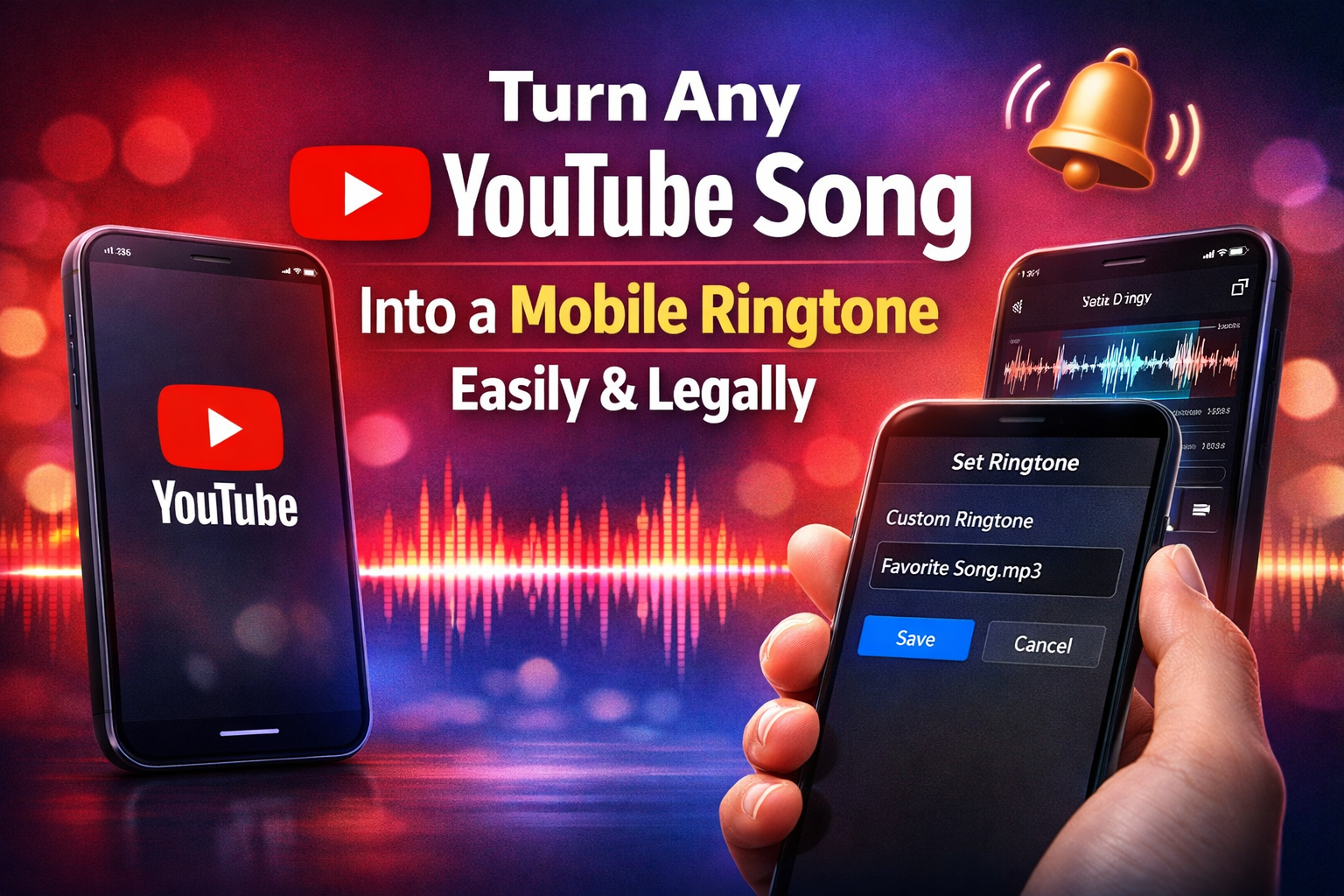
Using a YouTube song as a mobile ringtone has become one of the most popular ways to personalize smartphones. Many users love setting their favorite music as a ringtone because it reflects their personality and mood. Whether it is a trending hit or a nostalgic melody, converting a YouTube song to a mobile ringtone is easier than ever with the right tools and methods. This guide explains how to do it safely, quickly, and efficiently.
Understanding YouTube and Its Music Content
YouTube is one of the largest video-sharing platforms in the world, hosting millions of songs, remixes, and audio tracks. From movie soundtracks to independent artists, almost every genre of music can be found on YouTube. Because of its vast library, many people prefer using YouTube songs for ringtone creation instead of downloading music from multiple sources.
Is It Legal to Convert YouTube Songs to Ringtones
Before converting a YouTube song into a ringtone, it is important to understand copyright rules. Most songs on YouTube are protected by copyright, and downloading them without permission may violate terms of service. However, if you are using royalty-free music, your own uploaded content, or licensed audio, you can safely convert it into a ringtone for personal use. Always ensure you respect copyright policies when creating custom ringtones.
Tools Required to Convert YouTube Song to Ringtone
To convert a YouTube song into a mobile ringtone, you need a YouTube video link, an audio converter tool, and a ringtone cutter application. Several online converters allow you to extract MP3 audio from YouTube videos. After downloading the audio file, you can trim it to 20–30 seconds, which is the ideal ringtone length for most smartphones.
How to Convert YouTube Song to MP3 Format
The first step in creating a ringtone is converting the YouTube video into MP3 format. Simply copy the video URL from YouTube and paste it into a trusted audio converter website. After conversion, download the MP3 file to your device. Make sure to use reliable platforms to avoid malware or low-quality downloads.
Editing and Trimming the Perfect Ringtone Clip
Once you have the MP3 file, you need to trim the best part of the song. The chorus section is usually the most popular choice for ringtones. You can use ringtone maker apps available on Android and iOS devices to cut the desired portion. Adjust the start and end time carefully to create a smooth and clear ringtone clip.
Setting the Ringtone on Android Devices
On Android smartphones, go to Settings, then Sound and Vibration, and select Ringtone. Upload or select the trimmed MP3 file from your storage. Some Android devices automatically detect ringtone files if they are placed in the Ringtones folder. After selecting the file, save your changes to set it as your default ringtone.
Setting the Ringtone on iPhone Devices
For iPhone users, the process is slightly different. You need to convert the MP3 file into M4R format, which is supported by iOS. Using iTunes or Finder on a computer, sync the ringtone file to your device. Once transferred, go to Settings, select Sounds and Haptics, and choose the new ringtone from the list.
Benefits of Using Custom YouTube Song Ringtones
Custom ringtones help you instantly recognize calls without checking your phone screen. They add a personal touch and make your device stand out in public. Instead of using default tones, a favorite YouTube song can make incoming calls more enjoyable and unique.
Tips to Ensure High-Quality Ringtone Output
To get the best sound quality, always download high-bitrate audio files. Avoid very low-quality YouTube videos because their audio may sound distorted when used as a ringtone. Keep the ringtone length short and clear, and avoid sections with slow intros or silence. Proper trimming and clean audio conversion make a significant difference.
Final Thoughts on Creating a YouTube Song Ringtone
Converting a YouTube song to a mobile ringtone is a simple process when done correctly and legally. With the right tools, you can personalize your smartphone in just a few minutes. Always prioritize safe downloading practices and copyright awareness. By following these steps, you can enjoy your favorite music every time someone calls you, making your mobile experience more fun and customized.