Introduction to CapCut
CapCut is a popular video editing application used by content creators, social media enthusiasts, and beginners to create engaging videos. It offers a range of editing tools that help users turn ordinary clips into attractive visual content. Whether you want to create Instagram Reels, YouTube Shorts, TikTok-style videos, or personal memories, CapCut provides a convenient editing experience. Its combination of creative tools and accessible features makes it an appealing choice for many video editing projects.
What Is CapCut Video Editor?
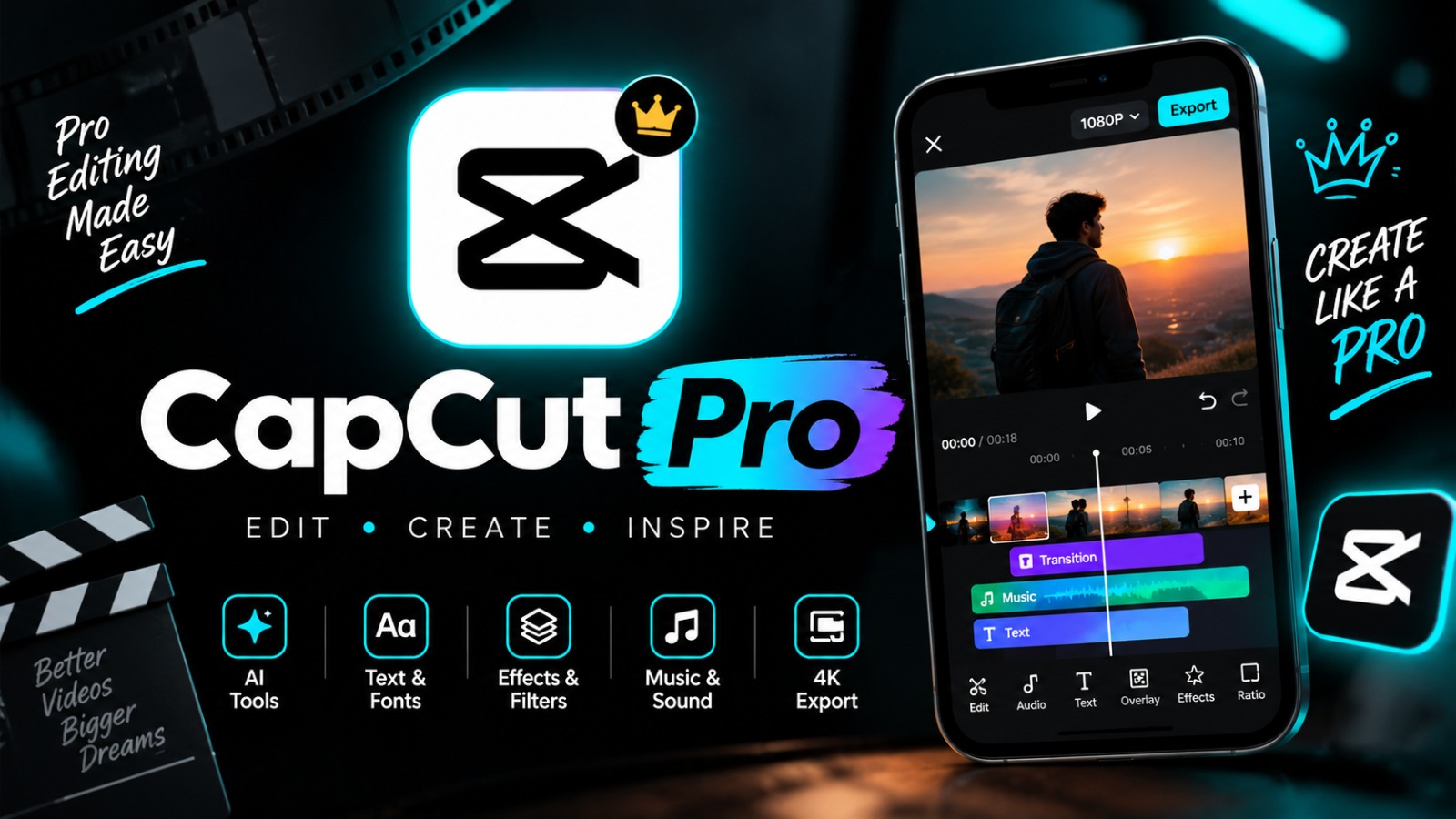
CapCut is a video editing application developed by ByteDance. It provides tools for trimming clips, combining videos, adding music, inserting text, and applying visual effects. Depending on the device, region, and version, users may also find advanced features such as automatic captions, background removal, and AI-assisted editing. CapCut is available on supported mobile devices and desktop platforms, with some editing options also available through the web. Feature availability can vary by platform and subscription.
Best Features of CapCut
One of the main attractions of CapCut is its collection of editing features. Users can adjust video speed, apply transitions, add filters, animate text, and combine multiple clips on a timeline. The application also supports audio editing and various visual effects that can make videos more engaging. These tools help beginners experiment with different styles while giving experienced creators more control over their projects.
CapCut for Instagram Reels
CapCut is often used to create Instagram Reels with creative transitions, synchronized music, captions, and attractive visual effects. Creators can arrange clips to match the rhythm of a soundtrack and use text overlays to communicate their message. Vertical video editing is especially useful for short-form content viewed on mobile screens. Before publishing, it is worth checking the final video for clarity, correct framing, readable text, and suitable audio rights.
CapCut for YouTube Shorts
YouTube Shorts creators can use CapCut to produce short videos featuring tutorials, entertainment, travel moments, gaming clips, and daily-life content. The editor allows users to remove unwanted sections, combine scenes, adjust speed, and add subtitles. A strong opening, clear storytelling, and good sound quality can help make a Short more engaging. Export settings should be selected according to the intended platform and the quality of the original footage.
How to Edit Videos Using CapCut
Getting started with CapCut is straightforward. Open the application, create a new project, and import the video clips or photos you want to use. Trim unnecessary sections, arrange the clips in the desired order, and add music, text, transitions, or effects where appropriate. Preview the complete project before exporting it. Beginners can start with simple cuts and gradually explore more advanced tools as they become comfortable with the editing process.
CapCut Templates and Trending Video Styles
Templates can make it easier to create videos with coordinated transitions, effects, and music timing. Depending on regional availability and the current application version, CapCut may offer ready-made templates for popular editing styles. Users can adapt suitable templates to their own photos and clips while maintaining a personal touch. Trends change quickly, so creators should check which templates and effects are currently available instead of assuming every trend will remain accessible.
CapCut AI Tools and Automatic Captions
Some versions of CapCut include AI-assisted features designed to simplify editing tasks. These may include automatic subtitle generation, background removal, speech-related tools, and other intelligent editing options. Automatic captions can improve accessibility and help viewers follow videos without sound, but they should always be reviewed for spelling and accuracy. AI tools may have usage limits, regional restrictions, or paid requirements, so checking the current feature details is important.
Benefits of Using CapCut for Content Creation
CapCut offers a convenient way to edit videos without requiring professional editing experience. Its combination of basic editing controls, creative effects, text tools, and audio options allows users to produce different types of content in one application. Students, hobbyists, influencers, and small businesses may find it useful for creating tutorials, promotional clips, and social media posts. The best results usually come from combining the available tools with a clear idea and thoughtful editing.
Tips for Creating High-Quality CapCut Videos
For better results, begin with clear footage and organize clips before adding effects. Use transitions only when they support the story, and keep text large enough to read on a phone screen. Balance music with spoken audio, check captions carefully, and avoid excessive filters that make footage look unnatural. Export the video using suitable resolution and frame-rate settings for the intended platform. Reviewing the final file before uploading can help identify mistakes and improve the viewing experience.
Conclusion: Is CapCut Worth Trying?
CapCut is a useful option for people who want to create engaging videos for social media, personal projects, and online content. Its editing tools can help users work with clips, music, text, transitions, and selected advanced features without needing to learn a complex professional editing system. Although some tools may require payment or may not be available everywhere, the application offers plenty of creative possibilities. With practice and a clear editing style, users can develop videos that look polished and communicate their ideas effectively.