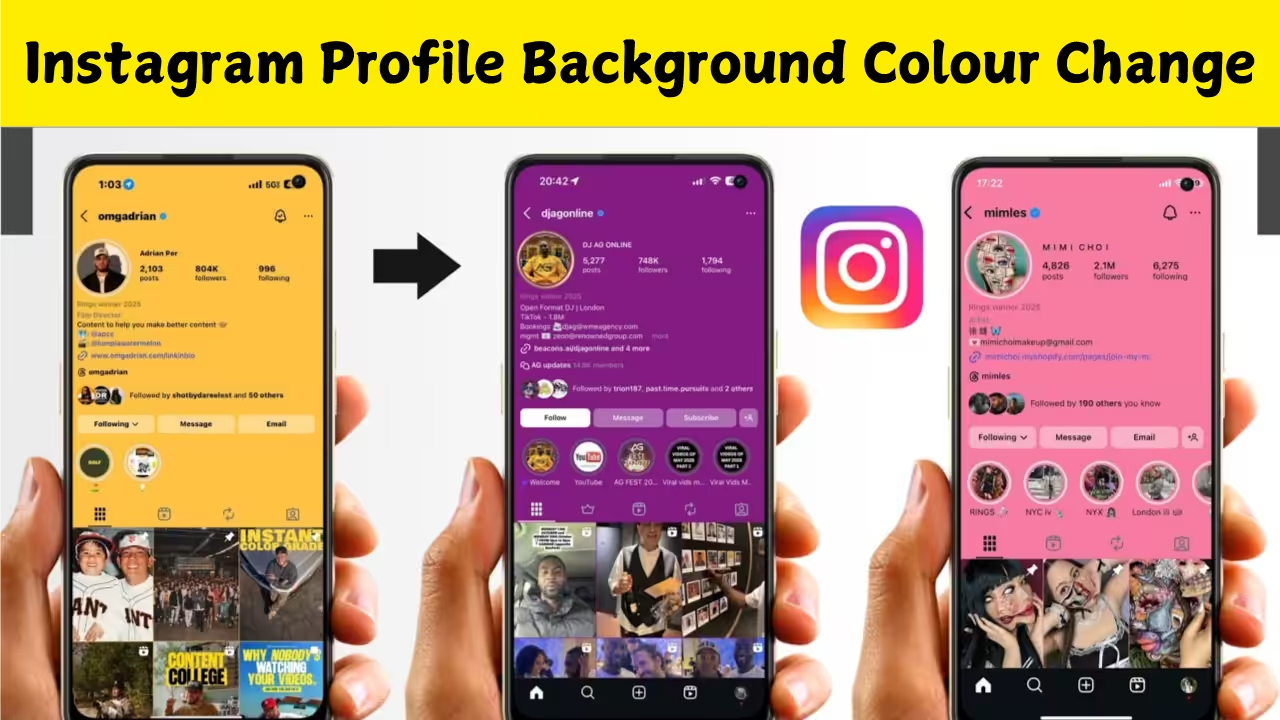
Instagram Profile Background Colour Change
Instagram is one of the most popular social media platforms, known for its clean white interface and user-friendly design. Many users often search for ways to change the background colour of their Instagram profile to make it look unique and attractive.
However, Instagram currently offers only limited customization options when it comes to profile background colours.
Default Background Colour on Instagram Profiles
By default, Instagram profiles use a white background in light mode and a dark or black background in dark mode. This background is controlled entirely by the app and cannot be changed to a custom colour like blue, red, or gradient. The background colour automatically adapts based on your phone’s theme settings and Instagram’s display mode.
Using Dark Mode to Change Background Appearance
The easiest way to change the overall look of your Instagram profile background is by enabling dark mode. When dark mode is turned on in your mobile device settings, Instagram automatically switches to a dark background. This gives your profile a modern look and also helps reduce eye strain, especially at night.
Changing Profile Look with Bio and Highlights
Even though the background colour itself cannot be changed, you can creatively modify the appearance of your profile using emojis, line breaks, and symbols in your bio.
Highlight covers also play an important role in enhancing the profile’s visual appeal. By using consistent colours and designs for highlight covers, your profile can look well-themed and attractive.
Using Story Background Colours
Instagram allows users to change background colours in Stories. While creating a story, you can select solid colours, gradients, or images as the background. Though this does not affect the profile background directly, stories are highly visible and help in maintaining a consistent colour theme for your account.
Third-Party Apps and Custom Launchers
Some third-party apps and phone launchers claim to change Instagram’s background colour. However, these methods usually modify only the app’s appearance on your device and do not change how others see your profile. Additionally, using unauthorized apps can risk your account security and is not recommended.
Future Updates and Customization Possibilities
Instagram frequently updates its features, and more customization options may be introduced in the future. For now, users are limited to light mode and dark mode for background appearance. Keeping your profile visually appealing through creative content, consistent colours, and attractive design elements remains the best approach.
Conclusion
At present, Instagram does not allow users to change their profile background colour to a custom shade. The only available options are light mode and dark mode, which depend on device settings. To make your profile stand out, focus on profile photos, bio styling, highlight covers, and story designs. These elements help create a strong visual identity even without direct background colour customization.