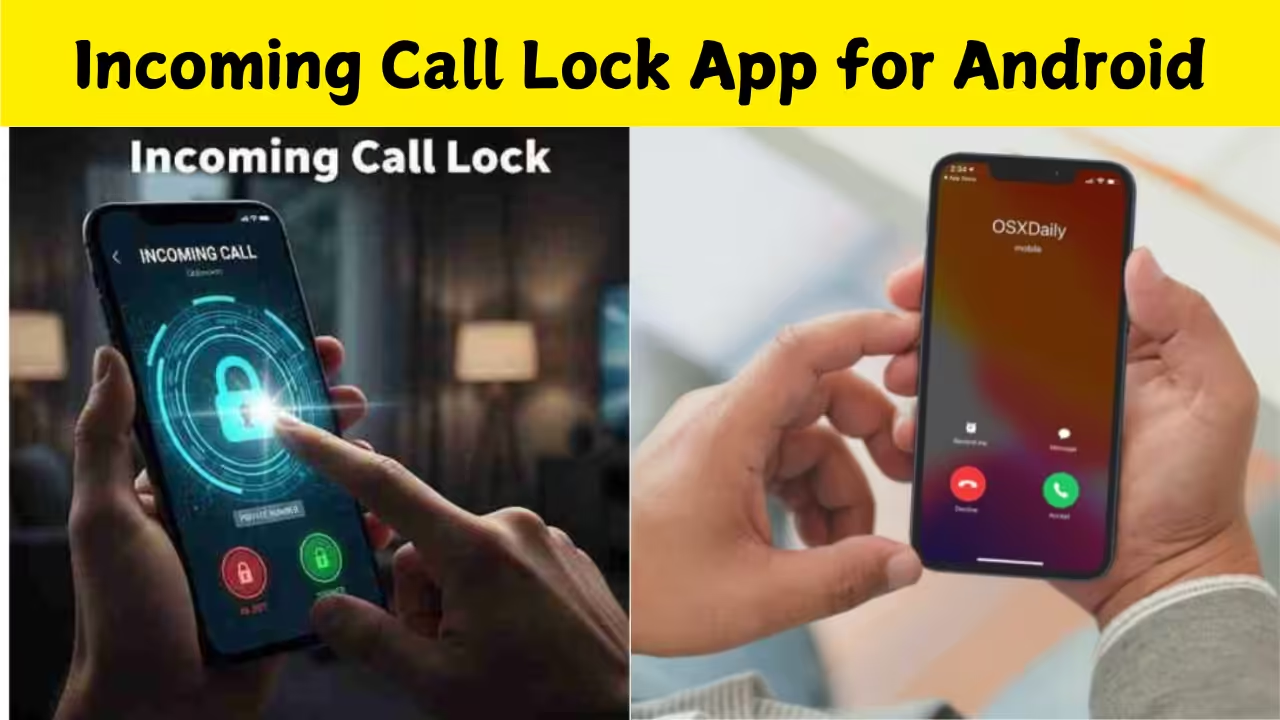
Introduction to Incoming Call Lock Apps for Android
Incoming call lock apps for Android are specialized applications designed to give you control over who can call you and when. Unlike the regular call blocking feature built into Android, these apps often provide advanced options such as locking incoming calls behind a PIN, pattern, or biometric authentication. They help prevent unauthorized access to your phone’s call screen, protect your privacy, and stop accidental calls when your phone is in your pocket or bag.
Why You Need an Incoming Call Lock App
Privacy is a major reason many Android users turn to call lock apps. When your phone is unlocked, anyone can answer or hang up calls, see your call logs, or even access sensitive information during an incoming call. An incoming call lock adds a layer of security so that only you, or someone who knows your security code, can interact with calls. This is especially useful for people who share phones with family members, have curious children, or want to safeguard work-related conversations. Another reason to use such apps is to manage unwanted interruptions. Some apps allow you to set rules about who can reach you at particular times, helping you avoid spam calls or calls during meetings or sleeping hours.
Key Features of Incoming Call Lock Apps
Incoming call lock apps come with a variety of features tailored to different user needs. Most of them let you set a PIN, password, pattern, or biometric lock that must be entered before an incoming call can be seen or answered. This stops anyone who picks up your unlocked phone from listening in or manipulating calls.
Many of these apps also support call blocking by specific numbers or categories, giving you flexibility over who can reach you. Some provide schedules so that certain numbers are blocked at specific hours. Additionally, smart notification controls can hide call alerts until authentication is completed, reducing distraction and boosting privacy. Customization is another advantage. Users can often choose different themes, ringtones, and lock screens for incoming calls. Some apps even let you show a fake lock screen, making it appear like the phone is locked when it’s not, adding a layer of deception against unauthorized access.
How Incoming Call Lock Apps Work on Android
To use an incoming call lock app, you typically install it from the Google Play Store and grant it the necessary permissions, such as access to phone calls, contacts, and notifications. These permissions allow the app to intercept incoming call events and trigger the lock screen before the standard call interface appears.
When a call comes in, the app first displays its own lock screen. You need to enter the correct PIN, pattern, or biometric confirmation to proceed to the Android call UI. If the authentication fails or is skipped, the call remains locked, preventing unauthorized answering. Some apps can also screen calls before they ring, showing you caller information only after the lock is unlocked. These apps operate alongside Android’s default features, so you can still use native call blocking, do-not-disturb modes, and other settings in conjunction with the call lock functionality.
Top Incoming Call Lock Apps for Android
The Android ecosystem has several reliable incoming call lock apps available on the Google Play Store. These apps vary in features, ease of use, and design. Some are lightweight and focus solely on locking incoming calls, while others combine call lock with advanced privacy and security tools. One notable app is Call Lock: Lock Incoming Calls, which provides PIN and pattern protection for call screens. It lets you set personalized settings and supports hiding call logs until authentication.
Another popular option is Incoming Call Lock – AppLocker, known for its simple interface and integration with other security tools. This app often includes additional modules like app lock and notification lock, making it more versatile. Some users also choose AppLock applications that include a module specifically for locking calls. These broader privacy apps let you protect not just incoming calls but also messages, apps, photos, and more using one interface. It’s important to review user ratings, permissions required, and update history before choosing an app. Frequent updates, transparent privacy policies, and active support are good signs of a trustworthy call lock app.
How to Set Up an Incoming Call Lock App on Your Android Phone
Setting up an incoming call lock app is usually straightforward. After downloading the app from the Play Store, you open it and follow the on-screen steps to grant permissions. The most important permissions are access to call logs and phone functions, which allow the app to detect and manage incoming calls. Next, you choose the type of lock you want to use. Many apps let you set a numeric PIN or a pattern. If your phone supports it, some apps also offer fingerprint authentication for even faster unlocking. Once the lock is set, you can customize the behavior, such as deciding whether the lock applies to all incoming calls or only from specific contacts.
It is advisable to test the setup by calling your phone from another number. This helps ensure the lock screen appears correctly and that you can unlock it without issues. Adjustments can usually be made in the app’s settings if something isn’t working as expected.
Benefits Beyond Call Locking
While the core purpose of incoming call lock apps is to protect your incoming call screen, many of them provide additional privacy benefits. For example, some include features to hide call logs from the phone’s native dialer app, keeping your call history secured behind a lock as well. Other apps offer backup options, where secured call logs and settings can be stored safely in the cloud. This is useful if you switch phones or reset your device. Some apps also come with themes and aesthetic customizations so that your call lock screen matches your phone’s overall look.
Potential Drawbacks and Security Considerations
No app is perfect, and incoming call lock apps come with some limitations. Because they need special permissions to access phone functions, some users may feel uneasy granting access to sensitive data. It’s important to select apps from reputable developers with clear privacy policies. In rare cases, these apps might slightly delay the appearance of the call screen, especially on older devices. This can lead to a delayed answer if the lock screen takes longer to load. Users should also be cautious about battery usage, as continuous monitoring of calls by the app can have a small impact on power consumption.
Incoming call lock apps for Android offer a valuable way to protect your privacy and control who can interact with your phone’s incoming calls. With customizable security options, smart blocking tools, and easy setup processes, these apps help you safeguard your personal communication from unauthorized use. Choosing a reliable, frequently updated app with good user reviews ensures a smooth and secure experience. Whether you want to protect your calls from prying eyes or maintain peace during specific hours, an incoming call lock app can be a practical addition to your Android device’s security setup.