Understand Why Lock Screen Access Gets Blocked
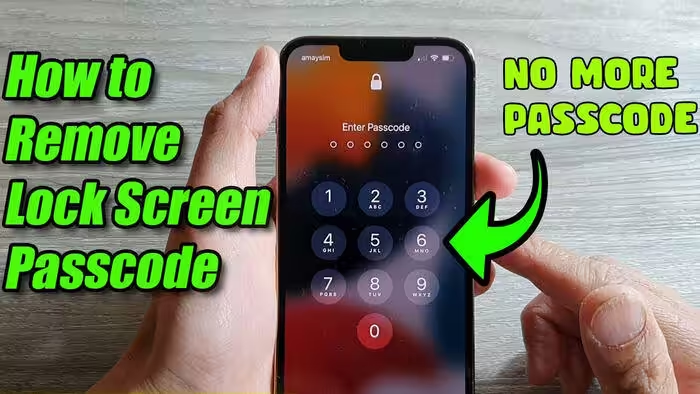
Many smartphone users forget their screen lock password, PIN, or pattern after changing it in a hurry or not using it for some time. This situation can be frustrating because the lock screen protects personal photos, apps, contacts, and private messages. That is why many people search for mobile lock screen password unlock solutions when they suddenly lose access to their own device.
Lock Screen Security Is Designed to Protect Personal Data
Phone lock screens are created to keep your data safe from unauthorized access. Whether you use a password, pattern, fingerprint, or face unlock, the security system works as a protective layer for everything stored on the device. Because of this, there is usually no simple trick that safely removes the lock without verification, and official recovery methods are the best option.
Use the Official Forgot Password or Recovery Option
Some phones offer an official recovery path when the wrong password is entered multiple times. Depending on the brand and Android version, you may see options connected to your Google account, Samsung account, or another manufacturer recovery service. These tools are designed for genuine owners who need to prove identity before regaining access to the phone.
Google Account Recovery Can Help on Android Devices
Android phones are often linked to a Google account, and this can be helpful when the device owner forgets the screen lock. After resetting or recovering the phone through official settings, the same Google account is usually required to verify ownership. This extra step protects the device from misuse and helps real users restore access securely.
Find My Device Is Useful for Managing Your Own Phone
Google Find My Device can sometimes help you locate, secure, or reset your own Android phone if you still remember the connected Google account details. This method is especially useful when the phone is locked and you cannot remember the current screen password. It does not provide a secret bypass, but it does give you a safe way to recover control of your own device through official tools.
Samsung Users May Have Brand-Specific Recovery Features
Samsung phones may include account-based recovery options for users who signed in with a Samsung account before the device was locked. These features can be useful for device owners who prepared recovery settings earlier. Brand-specific services are often more reliable than random internet tricks because they are made for security, support, and account verification.
Factory Reset Is Sometimes the Last Practical Option
When no password recovery method works, a factory reset may be the final way to use the phone again. This process removes the lock screen along with the data stored on the device, unless that data was already backed up. Although many users do not like losing files, a reset can still be a practical solution for regaining access to the phone in a legal and secure way.
Backup Is Important Before Lock Problems Happen
The best protection against lock screen stress is regular backup. Photos, videos, contacts, app data, and documents should be synced with trusted cloud services or copied to another safe location. When backups are available, even a factory reset becomes less painful because you can restore much of your important information after signing back in.
Avoid Fake Password Unlock Tricks from Untrusted Sources
Many websites and videos promise instant mobile lock screen password unlock tricks, but a lot of them are misleading or unsafe. Some ask users to download suspicious software, share personal information, or follow risky steps that may damage the phone. It is always smarter to stay away from such methods and use official recovery solutions provided by the device brand.
Mobile Pattern Lock Generator
Visit an Authorized Service Center for Expert Help
If you cannot recover access by yourself, an authorized service center can be a good option. Trained technicians may guide you through identity checks, account recovery, software repair, or reset procedures depending on your phone model. This is one of the safest choices for users who want help without risking their data or device security.
Mobile lock screen password unlock is a common search topic because many people forget their passwords, PINs, or patterns. The safest way to solve the problem is by using official account recovery, brand tools, backups, or factory reset options on your own phone. Instead of looking for risky tricks, choosing secure recovery methods can protect both your data and your device in the long run.