Introduction
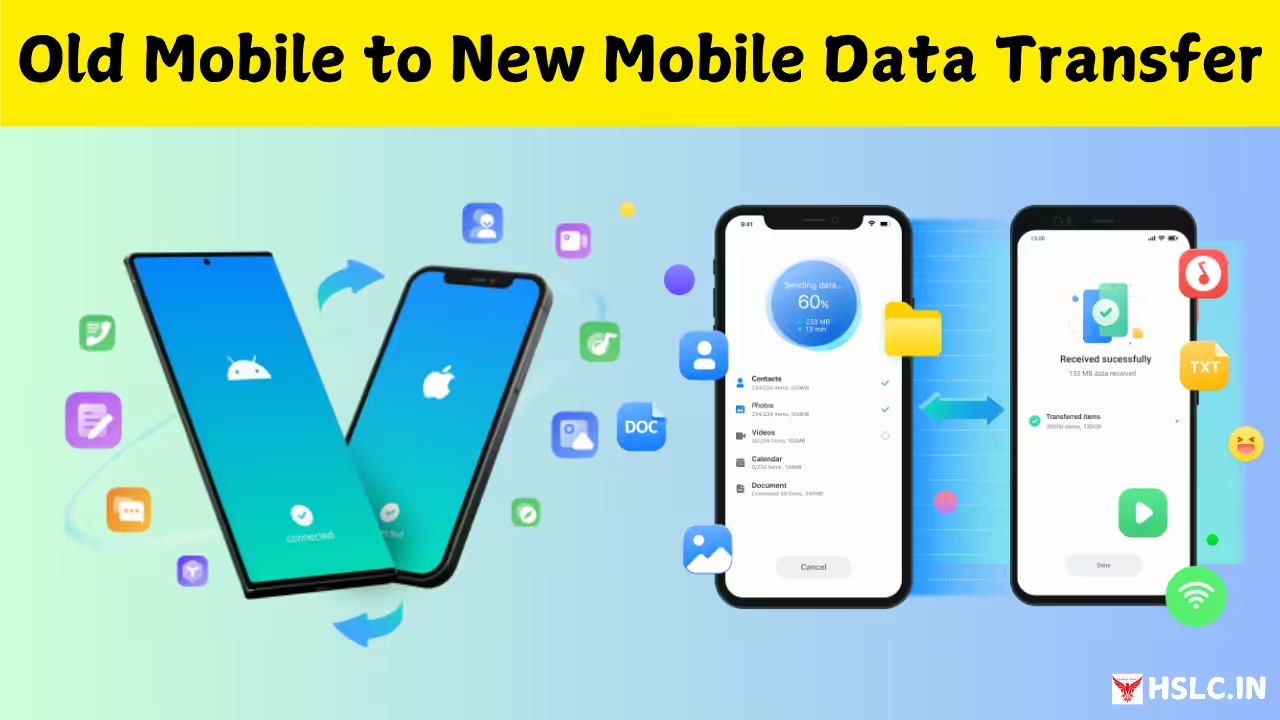
Switching to a new phone can be exciting, but transferring all your data from the old one can be stressful. Contacts, photos, chats, and apps are often scattered across devices, making manual transfers time-consuming. The MobileTrans – Data Transfer App offers a simple and secure solution for moving everything from one phone to another in just a few taps. Whether you’re switching from Android to iPhone or vice versa, MobileTrans ensures that your data moves safely and quickly.
What is MobileTrans?
MobileTrans is a powerful data transfer application developed by Wondershare. It allows users to transfer files, apps, contacts, messages, call logs, music, and more between smartphones. Designed for both Android and iOS devices, it eliminates the hassle of manual copying or using multiple apps. The app supports cross-platform transfers, meaning you can move data seamlessly between Android and iPhone.
Why Use MobileTrans?
MobileTrans solves one of the biggest challenges faced by smartphone users — data migration. When upgrading to a new device, users often lose important files or struggle to restore them. MobileTrans simplifies the process with a one-click transfer option that ensures everything from your old device appears exactly the same on your new one. The main feature of MobileTrans is its Phone-to-Phone Transfer mode. This allows users to connect two devices using a cable or Wi-Fi and move data instantly. The process supports photos, videos, contacts, text messages, and even WhatsApp chats. Within minutes, your new device mirrors the content of your old one.
WhatsApp and Social App Transfer
MobileTrans goes beyond basic files. It supports transferring chat histories from popular messaging apps like WhatsApp, LINE, Viber, Kik, and WeChat. You can move not only messages but also media files, stickers, and voice notes. This is especially useful for users switching between Android and iPhone, as WhatsApp’s default backup doesn’t support cross-platform transfers. Apart from data transfer, MobileTrans also acts as a data backup and restore tool. You can back up your phone data to a computer and restore it anytime you need. This feature protects your valuable information in case your phone is lost, damaged, or reset. The backup files remain safe and encrypted, ready for recovery when needed.
Cross-Platform Compatibility
MobileTrans is one of the few tools that supports seamless data movement between different operating systems. Whether you’re switching from Android to iOS or from iPhone to Android, the app manages the format conversion automatically. You don’t have to worry about compatibility issues — your contacts, photos, and videos appear just as they were. The app is designed with simplicity in mind. The intuitive interface displays clear options like “Transfer,” “Backup,” and “Restore.” Users can select the data types they want to move and track progress in real-time. Even beginners with no technical experience can perform data transfers easily without professional assistance.
Secure and Reliable Transfers
Data security is a top priority in MobileTrans. The app uses encryption protocols to ensure that your information is never exposed during transfer. Files are transmitted directly between devices without uploading to cloud storage, ensuring total privacy. You can trust the app to handle sensitive data such as personal contacts and messages safely. MobileTrans is built for efficiency. It transfers data at high speeds, often completing full phone migrations in just a few minutes. The app uses optimized algorithms to minimize data loss or duplication, making it faster and more reliable than traditional Bluetooth or manual transfers.
Supported Data Types
MobileTrans supports nearly every kind of smartphone data. You can transfer contacts, photos, videos, music, text messages, documents, apps, call history, and calendar events. The app even preserves original file quality and folder structures, ensuring your new phone looks just like your old one. Using the app is straightforward. You start by installing MobileTrans on both devices. Once opened, choose the “Phone Transfer” option, connect both phones via cable or Wi-Fi, and select the data you want to move. After confirming, the transfer begins automatically. Within moments, your new phone will have all your old data intact.
Data Transfer Between Computer and Phone
MobileTrans also supports transferring files between your computer and smartphone. You can move large videos, music, or documents to your computer as a backup and later restore them to your phone when needed. This dual functionality makes it a complete data management solution. Unlike cloud-based transfer tools, MobileTrans does not require an internet connection to function. The data transfer happens directly between devices, which ensures faster performance and privacy. This makes it ideal for users with limited data plans or poor network coverage.
Compatibility with Different Brands
MobileTrans supports a wide range of smartphone brands, including Samsung, Apple, OnePlus, Xiaomi, Oppo, Vivo, Motorola, Realme, and Google Pixel. Regardless of the brand or operating system, the transfer process remains smooth and consistent. Wondershare continuously updates MobileTrans to enhance its features and maintain compatibility with the latest phone models and operating systems. The app also includes dedicated customer support to help users resolve any technical issues during transfers. The app saves time, prevents data loss, and provides a one-stop solution for managing your mobile data. It eliminates the need for cloud storage, SIM card transfers, or third-party backups. With MobileTrans, switching phones becomes effortless, whether for personal or professional use.
Limitations of the App
While MobileTrans is powerful, the free version may have limited features. Some advanced functions like full social media backup or cross-platform WhatsApp transfers require a premium upgrade. However, the paid version provides complete flexibility and unlimited transfer capabilities. MobileTrans is available as a mobile app for Android and iOS, as well as a desktop application for Windows and macOS. Users can download it from the Google Play Store, Apple App Store, or the official Wondershare website.
The MobileTrans – Data Transfer App is an essential tool for anyone upgrading to a new phone or needing to move data between devices. With its simple interface, fast transfers, and secure process, it ensures that no file, contact, or chat is ever lost. Whether you’re switching brands or backing up your phone, MobileTrans offers a hassle-free, reliable, and efficient way to manage all your mobile data.