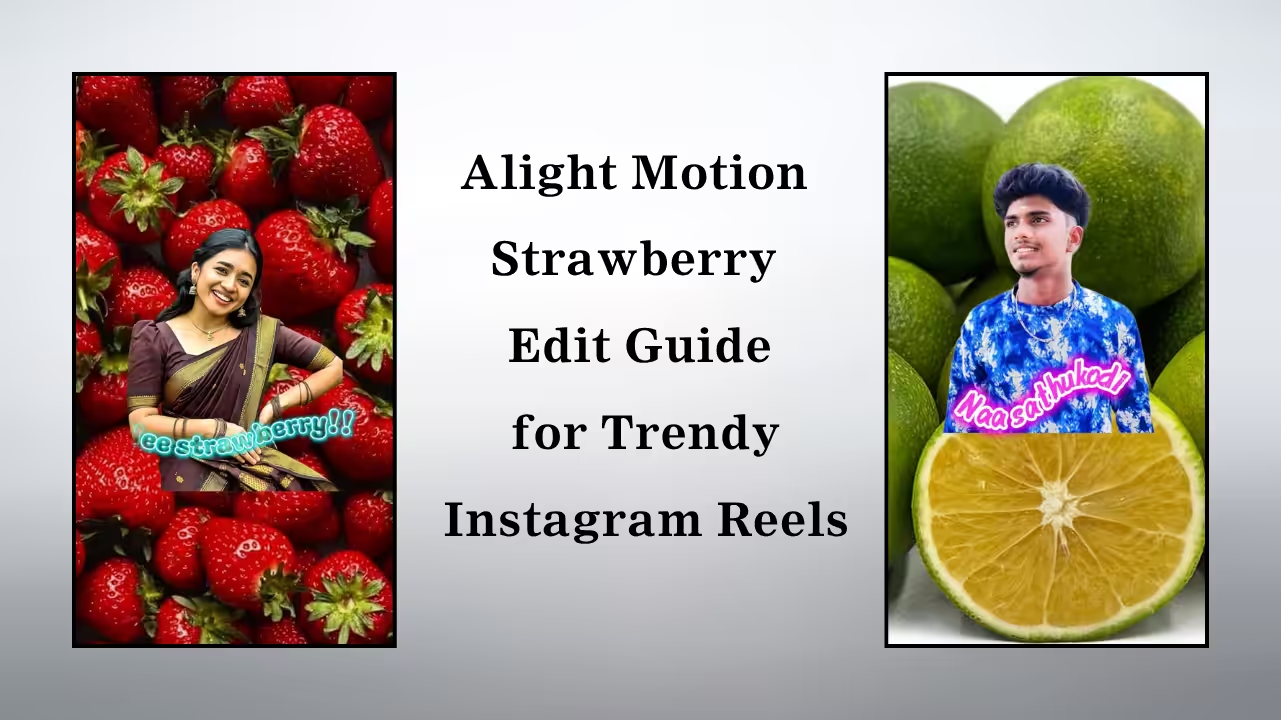
Why Strawberry Edits Are Going Viral
The popularity of strawberry edits comes from their soft color palette and emotional appeal. Audiences are naturally drawn to warm pink hues, smooth transitions, and subtle lighting effects. These edits often feel calm, aesthetic, and relatable, making them perfect for reels, short videos, and status content that people love to share.
Understanding the Strawberry Aesthetic
The strawberry aesthetic is all about combining pink, red, and soft pastel tones with glowing highlights. It often includes light leaks, sparkles, and gentle blur effects. This aesthetic creates a dreamy and romantic look that enhances the overall mood of your video while keeping it visually pleasing.
Setting Up Your Project in Alight Motion
To begin your strawberry edit, start by importing your video clips into Alight Motion. Choose a suitable aspect ratio depending on your platform, such as vertical for reels. Adjust brightness and contrast slightly to prepare your footage for color grading, ensuring your base clip is clean and well-lit.
Applying Strawberry Color Grading
Color grading is the heart of strawberry edits. Increase the pink and red tones while slightly lowering harsh shadows. Use hue adjustments and color filters to bring out soft pastel shades. The goal is to create a warm, glowing effect without making the video look oversaturated.
Using Glow and Light Effects
Adding glow effects enhances the dreamy feel of your edit. Use soft light overlays, blur effects, and glow filters to highlight key moments in your video. These effects help create that signature strawberry vibe that looks smooth and visually attractive.
Adding Smooth Transitions
Transitions play a major role in making your edit look professional. Use smooth zoom, spin, or fade transitions between clips. Keep them soft and subtle to match the aesthetic theme, ensuring your video flows naturally without harsh cuts.
Incorporating Overlays and Effects
Overlays such as sparkles, light leaks, and bokeh effects can elevate your strawberry edit. These elements add depth and visual interest while maintaining the soft and romantic tone. Carefully place them so they enhance rather than overpower your main footage.
Syncing with Music for Better Impact
Music synchronization is key to making your edit engaging. Choose a soft or trending track and align your transitions and effects with the beat. This creates a satisfying viewing experience and increases the chances of your video going viral.
Exporting in High Quality
After completing your edit, export your video in high resolution to maintain clarity. Choose the best frame rate and quality settings in Alight Motion to ensure your final output looks sharp and professional across all platforms.
Tips to Make Your Strawberry Edit Stand Out
To truly stand out, focus on creativity and consistency. Experiment with different shades of pink, try unique transitions, and add your personal touch to every edit. Consistency in style helps build your identity, making your strawberry edits instantly recognizable and more engaging for viewers.