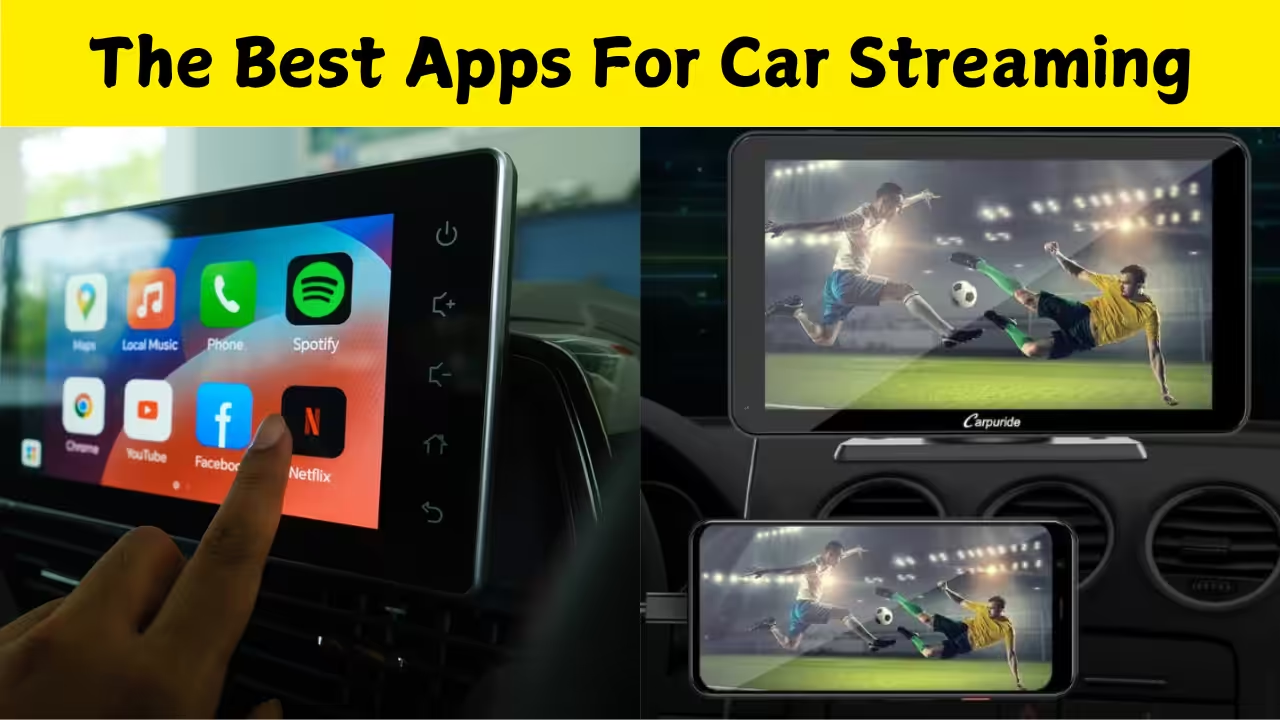
What “Streaming to Your Car Screen” Actually Means
Streaming to your car screen means getting the content from your smartphone (or sometimes tablet) to show up on your car’s infotainment display. This could be navigation, music, videos or apps, rather than just playing audio through Bluetooth or plugging in a USB. The idea is that your car’s screen becomes a bigger, more integrated display for what you’re doing on your phone. But it’s not just about showing anything you like — you have to consider compatibility, safety, and how your car’s system supports the connection. If done well, it improves your experience; if done poorly, it can be distracting or simply won’t work.
Why You’d Want to Stream to Your Car Screen
Imagine pulling up to a destination and your map is on your car screen, the music or podcast you want is showing up, or even a video for a passenger is playing (when parked). Rather than glancing at a phone mounted on the dashboard, you’re using the car’s screen and controls more naturally. Streaming also allows for richer media: album art, full video, apps that are easier to use while driving (or while another passenger uses them). For those who spend long hours in the car, it’s a nice upgrade over “phone plugged in via AUX/Bluetooth”.
Top Apps & Methods for Android Users
For Android users there are a few go-to options to connect your phone and car screen. If your car supports Android Auto, this is a safe and officially supported way to stream a variety of content (navigation, music, messages) to the car screen. The user interface is optimized for driving and many apps integrate directly. AirDroid+1 The one catch is that Android Auto isn’t always built to show every type of app or full video playback by default (because of safety restrictions).
MirrorLink / Mirroring Apps
If your car doesn’t support Android Auto (or you want more control), apps like those using Screen2Auto or AA Mirror (for Android) allow you to mirror your phone’s screen to the infotainment display. These allow more flexibility (even apps that Android Auto wouldn’t normally support). For example, Screen2Auto is mentioned as offering screen mirroring with a customizable launcher. Reddit+1 Another app is CarStream which specifically mentions YouTube video playback on Android Auto. carstream.app
Mirror Link Car Screen & Similar
There are many lesser known apps such as “Mirror Link Car Screen” or “Mirror link car connector” which provide simple mirroring via USB or WiFi from Android to car display. For example, one app allows phone screen mirroring to “car screen and all other devices”. Google Play+1 These apps may work well if you accept some limitations (less polish, maybe more setup). If you’re using an iPhone, you’ll approach streaming a bit differently.
Apple CarPlay
If your car supports CarPlay, this is the official Apple way of integrating your iPhone with your car’s infotainment system. It allows you to use many apps through the car’s display and voice commands with Siri. imyfone.com+1 CarPlay is more limited in some ways (especially for video playback), because Apple emphasises safety and restricts certain types of content while driving.
Third-Party Mirroring Apps
If your car doesn’t support CarPlay (or you want full screen mirroring / video), there are third-party apps like XMirror which offer wireless mirroring of an iPhone’s screen (including audio) to the car display. App Store Another example is FlashGet Cast or other casting‐type apps mentioned in guides for iPhone to car screen mirroring. FlashGet Cast
Safety, Legal & Practical Considerations
While streaming to your car screen sounds cool, it’s important to keep safety first. Many countries (including India) have laws or guidelines about phone use, video playback and driver distraction. Even if your car allows video, it may legally have to disable while the vehicle is moving. Practically, streaming means you’ll want good connectivity (for maps/music/videos), possibly a stable cable or WiFi link, and a well integrated system (so you’re not messing around while driving). Always set up your streaming app and connection before you start your journey, and keep your interaction minimal while driving.
Download App
What to Do If Your Car Is Older or Doesn’t Support These Platforms
If your car has an older infotainment system (or none of the major platforms), here are some steps you can take: First, check if your head-unit supports “MirrorLink” or any generic screen mirroring via HDMI/USB input. Some aftermarket head-units can be upgraded explicitly for Android Auto or CarPlay support. Second, you may use a smartphone mount and just use your phone screen — not ideal, but better than nothing. Third, for streaming full video or apps, you might need external hardware (like a streaming dongle) in addition to an app. But keep safety in mind — full video playback is only practical when parked or for passengers.
What’s Happening on the Horizon
It’s worth noting some upcoming changes to keep an eye on. For example, it was recently reported that Apple will allow full video playback on CarPlay with their iOS 26 update — meaning you may soon see more support for video in car systems from the iPhone side. The Verge Also, car manufacturers and content platforms are increasingly introducing dedicated in-car streaming services built into the vehicle. TV Tech This means the line between “phone mirroring” and “built-in car streaming” is blurring. Over time you may not need to rely solely on phone apps — the car itself may offer robust streaming.