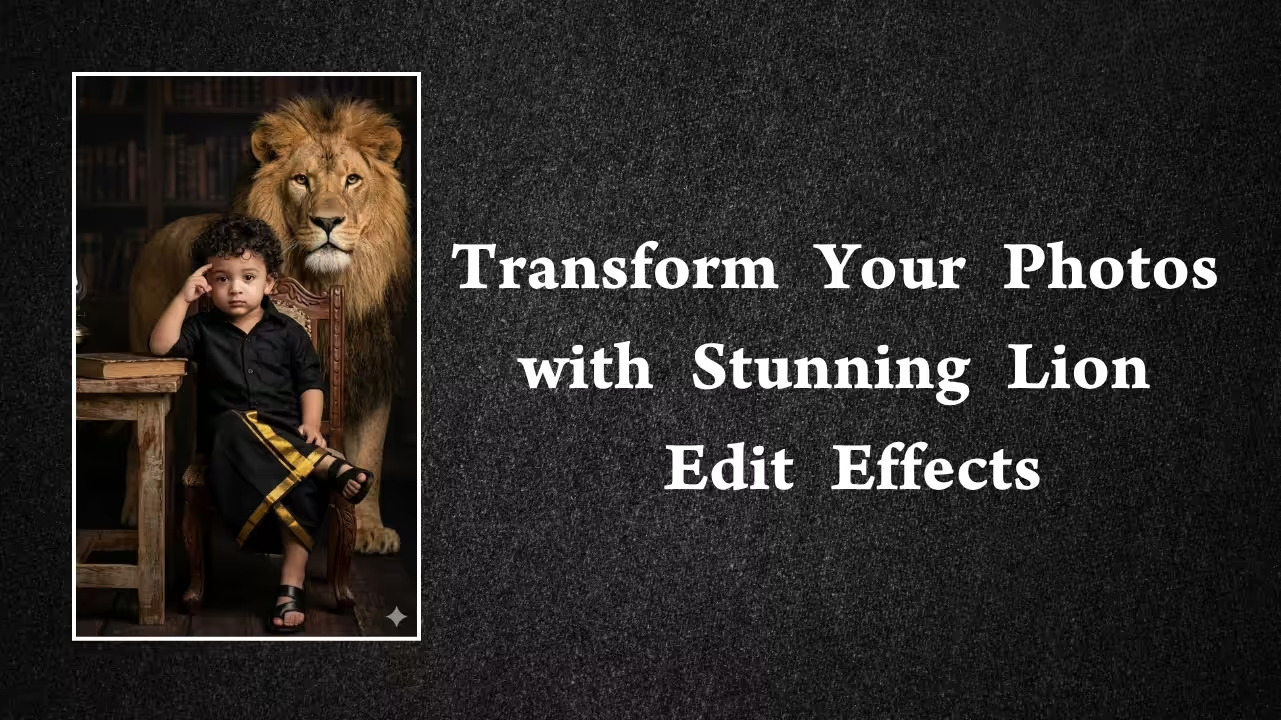
Introduction to Lion Photo Editing
Lion photo editing has become a trending style in the digital world, especially among social media creators and photography enthusiasts. This editing technique symbolizes power, courage, and dominance, making it perfect for creating bold and impactful visuals. Whether you are editing for Instagram, YouTube thumbnails, or personal branding, lion-themed edits can instantly grab attention and elevate your content.
Why Lion Photo Edits Are Trending
The popularity of lion photo edits comes from their strong visual appeal and emotional impact. Lions are often associated with leadership and strength, which resonates with audiences. Adding lion elements to photos creates a dramatic and cinematic look that stands out in crowded social feeds and increases engagement.
Choosing the Right Photo for Editing
Selecting the right base image is crucial for a successful lion photo edit. A high-resolution portrait with good lighting and a clear subject works best. Make sure the facial expression matches the theme, as serious or confident expressions blend perfectly with lion overlays and effects.
Best Apps for Lion Photo Editing
There are many editing apps available that can help you create stunning lion edits. Apps like Lightroom, PicsArt, Snapseed, and Photoshop offer powerful tools such as blending modes, color grading, and masking. These tools allow you to merge lion images seamlessly with your original photo.
Using Lion Overlays Effectively
Lion overlays are the core element of this editing style. Positioning the lion’s face next to or blended with the human face creates a strong visual connection. Adjust opacity, shadows, and highlights carefully to make the overlay look natural and realistic rather than artificial.
Color Grading for Dramatic Impact
Color grading plays a major role in enhancing lion photo edits. Warm tones like orange, gold, and brown work well to match the lion’s natural colors. Adding contrast and slightly darkening the background can make the subject pop and give the image a cinematic feel.
Adding Light and Shadow Effects
Light effects such as glow, sun flares, or dramatic shadows can make your lion edit more dynamic. Focus on creating depth by highlighting certain areas while keeping others darker. This technique adds realism and makes the edit visually appealing.
Background Selection and Enhancement
A suitable background enhances the overall theme of your lion edit. Nature backgrounds like forests, savannahs, or sunset skies work best. Blurring the background slightly can help keep the focus on the subject and the lion overlay.
Blending Techniques for Realism
Blending is the key to a professional-looking lion photo edit. Use soft brushes, gradient masks, and layer adjustments to merge elements smoothly. Pay attention to edges and ensure there are no harsh lines between the subject and the lion image.
Export Settings for High Quality
After completing your edit, exporting the image in high resolution is essential. Choose the right format and maintain quality settings to ensure your image looks sharp on all platforms. This step is especially important for social media uploads and portfolio use.
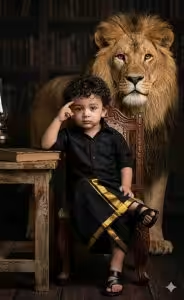
Prompt:
A handsome, 1-year-old boy with very deep eyes and a thoughtful pose (hand near his forehead), wearing a black shirt, a black dhoti with a golden border, and black leather sandals. He is sitting on a wooden chair, his right leg crossed over his left, next to a wooden table, with a dark background. A confident lion is standing behind him. Use the face from the reference image.
Final Thoughts on Lion Photo Editing
Lion photo editing is a powerful way to express creativity and build a strong visual identity. With the right tools, techniques, and imagination, you can transform ordinary photos into stunning artworks. Consistent practice and experimenting with different styles will help you master this trend and create unique, eye-catching edits.