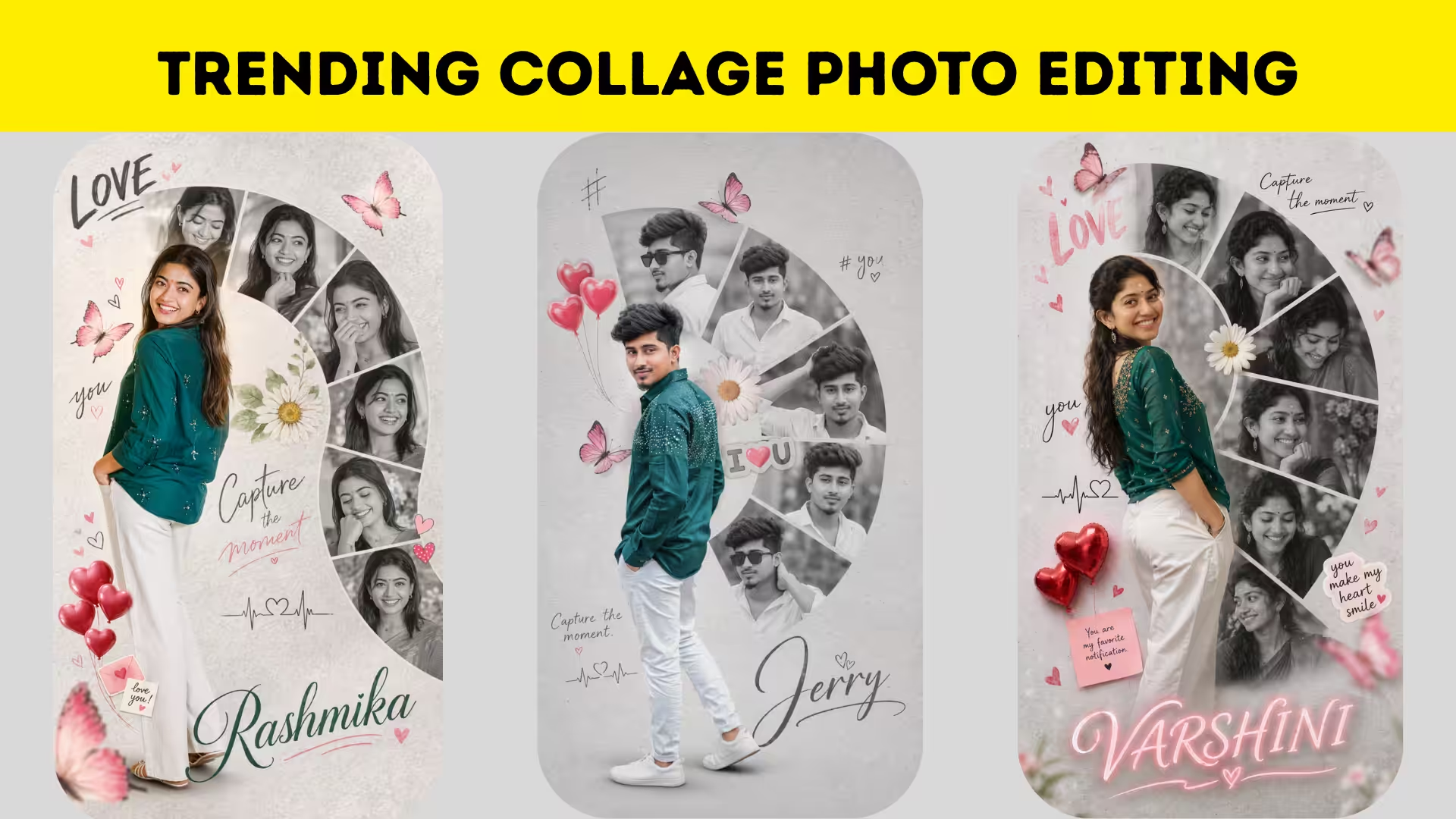
The Rise of Collage Photo Editing Trends
Collage photo editing has taken over social media in recent times, becoming one of the most popular ways to express creativity. Instead of posting a single image, people now combine multiple photos into one artistic frame, creating a powerful visual story that instantly grabs attention.
Why Collage Editing is So Popular
The reason collage editing is trending is simple. It allows users to showcase multiple moods, angles, and moments in a single post. This style feels more dynamic and engaging, making it perfect for platforms where visual appeal matters the most.
Understanding the Basics of Collage Design
Before jumping into advanced edits, it’s important to understand how a collage works. A good collage balances images, spacing, and layout. The arrangement should feel natural and not overcrowded, ensuring every element gets attention.
Choosing the Right Photos for Your Collage
The success of a collage depends heavily on photo selection. Using images with similar lighting and tones helps maintain consistency. Mixing too many contrasting images can make the final edit look messy and unprofessional.
Popular Collage Styles That Are Trending
From aesthetic grid layouts to freestyle cutouts, collage styles are constantly evolving. Torn paper effects, polaroid frames, and scrapbook-inspired edits are currently trending and widely used by creators across platforms.
Using Backgrounds to Enhance Visual Appeal
Backgrounds play a crucial role in collage editing. Minimal backgrounds like pastel colors or textured surfaces help highlight the subject, while creative backgrounds can add depth and personality to the design.
Adding Text and Stickers Creatively
Text elements and stickers can elevate a simple collage into a stylish design. Adding meaningful quotes, dates, or decorative stickers gives your collage a personal touch and makes it more relatable to viewers.
Best Apps for Collage Photo Editing
Several mobile apps make collage editing easy and fun. Apps like PicsArt, Canva, and Snapseed offer powerful tools to create professional-looking collages even for beginners.
Maintaining Balance and Composition
A great collage is all about balance. Proper alignment, spacing, and layering ensure that the final image looks clean and visually pleasing. Avoid overcrowding elements and let your design breathe.
How Collage Edits Boost Social Media Engagement
Collage edits tend to perform better on social media because they provide more content in a single post. This increases viewer interest and encourages longer engagement, helping your posts reach a wider audience.
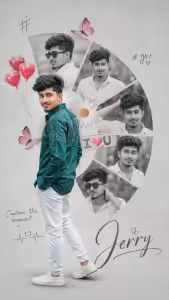
PROMPT BOYS :-
A creative romantic digital photo collage featuring a young handsome man in a peacock green shirt and white trousers. The main subject is a full-body cutout placed slightly left, turned back and smiling over hes shoulder, wearing a peacock green embellished shirt. Behind and around him is a semi-circular collage of multiple blackand-white portrait shots of the same man, each in different expressions and poses, arranged in curved segments. The background is a soft light grey textured surface with a minimal aesthetic.
Decorative elements include pink butterflies, a floral daisy near the center, red heart balloons, and cute love-themed stickers. Handwritten-style text elements like “#,” “# you,” and “Capture the moment” are scattered around. A small heartbeat line with a heart icon is included. At the bottom, the name “JERRY” appears in elegant cursive typography. Soft shadows, smooth cutout blending, high-end Photoshop manipulation, romantic mood, pastel tones, high resolution, 4k. 9:16 ratio
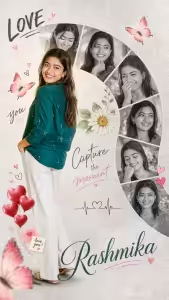
PROMPT GIRLS :-
A creative romantic digital photo collage featuring a young beautiful woman in a peacock green shirt and white trousers. The main subject is a full-body cutout placed slightly to the left, turned back and smiling over her shoulder, wearing a peacock green embellished shirt. Behind and around her is a semi-circular collage of multiple black-and-white portrait shots of the same woman, each showing different expressions and poses, arranged in curved segments. The background is a soft light grey textured surface with a clean, minimal aesthetic.
Decorative elements include pink butterflies, a floral daisy near the center, red heart balloons, and cute love-themed stickers. Handwritten-style text elements like “LOVE,” “you,” and “Capture the moment” are scattered around. A small heartbeat line with a heart icon is also included. At the bottom, the name “VARSHINI” appears in elegant cursive typography. Soft shadows, smooth cutout blending, high-end Photoshop manipulation, romantic mood, pastel tones, high resolution, 4K, 9:16 ratio.
Tips to Make Your Collage Go Viral
To create a viral collage, focus on creativity and originality. Follow trends but add your own twist. Use high-quality images, experiment with layouts, and keep your editing style consistent to build a recognizable identity. Collage photo editing is more than just a trend; it’s a creative way to tell stories visually. With the right tools and ideas, anyone can create stunning collages that stand out. Keep experimenting, stay inspired, and let your creativity shine through every edit.