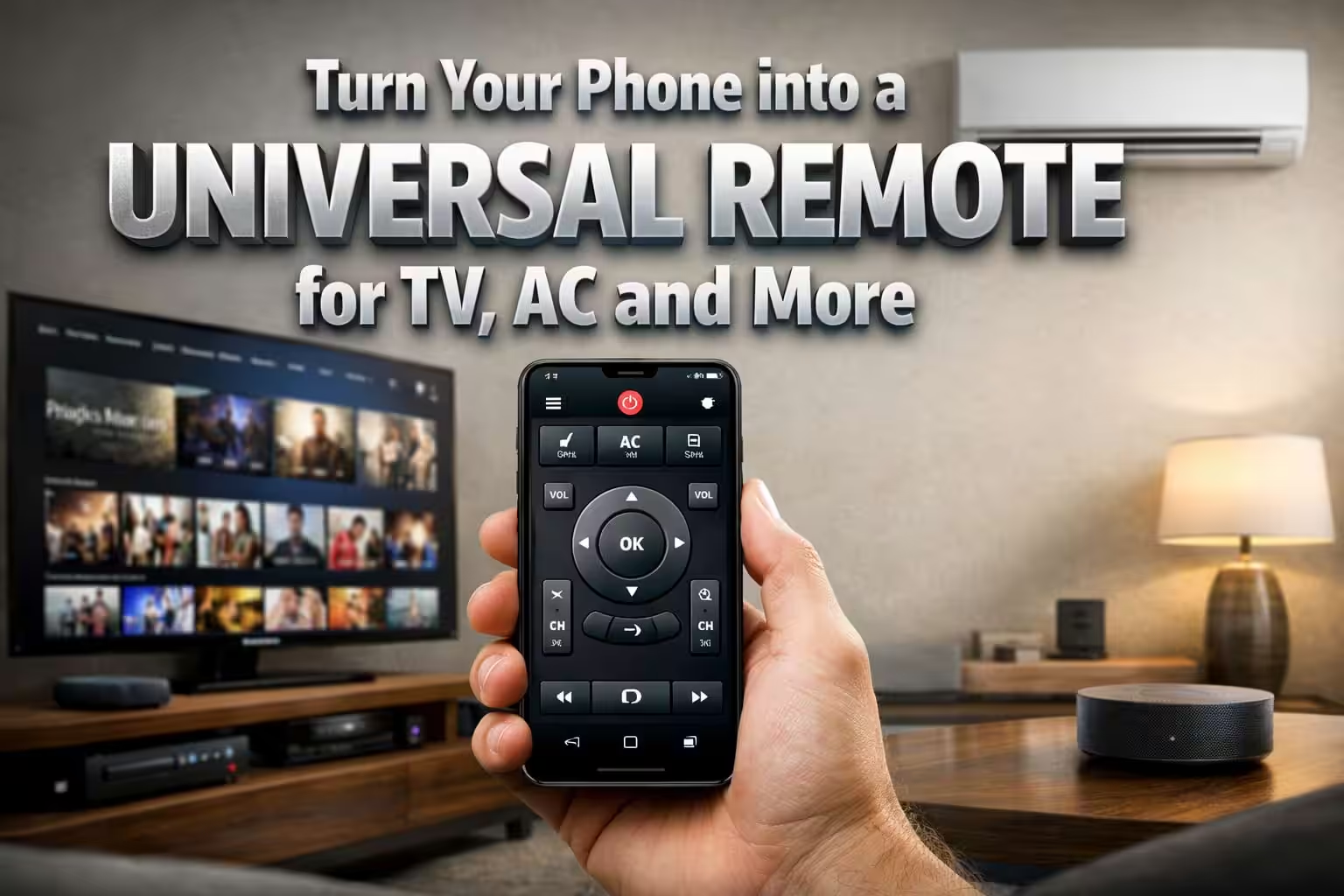
Introduction to the IR Remote App
Smartphones today are capable of doing much more than just making calls or browsing the internet. One of the most interesting features available on some smartphones is the ability to control home appliances using an infrared sensor. With the help of the IR Remote – TV, AC, Fan Remote for All app, users can transform their mobile phone into a universal remote control for multiple electronic devices.
What Is an IR Remote App
An IR remote app uses the infrared sensor available on certain smartphones to send signals similar to a traditional remote control. These signals allow the phone to communicate with devices such as televisions, air conditioners, fans, projectors, and even some smart home equipment. The app works exactly like a physical remote but adds more convenience through a digital interface.
How the IR Remote App Works
The working process of the app is quite simple. When the user selects a device brand within the application, the app sends the correct infrared signal to that device. If the signal matches the device’s remote frequency, the appliance responds instantly. This allows users to control volume, power, temperature, and other functions directly from their smartphone.
Compatibility with Different Devices
One of the biggest advantages of this remote app is its compatibility with a wide range of devices. It supports many popular television brands, air conditioner models, and even some smart fans. Because of its extensive database, the app can replace several remote controls and manage multiple devices from one place.
Benefits of Using a Universal Remote App
Using a universal remote app can make everyday life easier. Many households have multiple remote controls for different devices, which often get misplaced. With the remote app installed on your phone, you only need one device to control everything. This reduces clutter and makes controlling electronics faster and more convenient.
Easy Setup and Simple Interface
The application usually provides a very simple setup process. After installing the app, users can choose the type of device they want to control and select the brand from the available list. Once the correct signal is identified, the remote control interface appears on the screen, allowing users to operate the device easily.
Useful When a Remote Is Lost
Many people install remote apps when their original remote control stops working or gets lost. Instead of purchasing a new remote immediately, the smartphone app can act as a temporary or permanent replacement. This can save both time and money while providing instant control over devices.
Additional Smart Features
Some remote control apps also offer additional smart features such as customizable buttons, device grouping, and quick access controls. These features allow users to create a more personalized remote experience. Certain apps also provide dark mode interfaces and quick-launch options for frequently used devices.
Limitations of IR Remote Apps
Although remote apps are very useful, they require smartphones with a built-in infrared sensor. Not all modern phones include this hardware feature. If the phone does not support infrared, the app may not function properly. Therefore, users should always check device compatibility before installing the application.
Download App
Safe and Convenient Home Control
Remote apps offer a safe and convenient way to manage electronic appliances without needing multiple controllers. Whether adjusting the TV volume, changing the AC temperature, or controlling other devices, the smartphone can act as a centralized control hub for household electronics.
The IR Remote app is a smart solution for modern households looking for convenience and simplicity. By transforming your smartphone into a universal remote control, it reduces the need for multiple remotes and makes controlling appliances easier. With proper compatibility and setup, the app can become a very useful tool for managing everyday electronic devices.