What Is VLC Player
VLC Player is a free and open-source media player developed by VideoLAN. It can play video files, audio files, DVDs, CDs, online streams, and even network media. The biggest advantage of VLC is that it supports almost all file formats without requiring additional plugins or downloads.
VLC Player gained popularity because it works smoothly on almost every device and operating system. Users don’t need to worry about compatibility issues, ads, or hidden charges. The lightweight design and powerful performance make it suitable for both low-end and high-end devices.
Supported Video and Audio Formats in VLC Player
VLC Player supports popular formats like MP4, MKV, AVI, MOV, FLV, WMV, MP3, AAC, WAV, and many more. Even corrupted or partially downloaded files can often be played using VLC, which is something many other players fail to do. VLC Player is available for Windows PCs, Android smartphones, iPhones, iPads, macOS, and Linux systems. The mobile version offers almost the same features as the desktop version, including subtitle support, gesture controls, and background audio playback.
VLC Player Interface and Ease of Use
The VLC interface is clean and simple, making it easy for beginners to use. Advanced users can explore detailed settings for audio, video, subtitles, and streaming. You can customize themes, shortcuts, and playback behavior according to your preference. VLC Player supports external and embedded subtitles in formats like SRT, ASS, and SUB. You can easily adjust subtitle delay, font size, color, and position. This feature is extremely helpful when subtitles are not synced properly with the video.
VLC Player for Online Streaming and IPTV
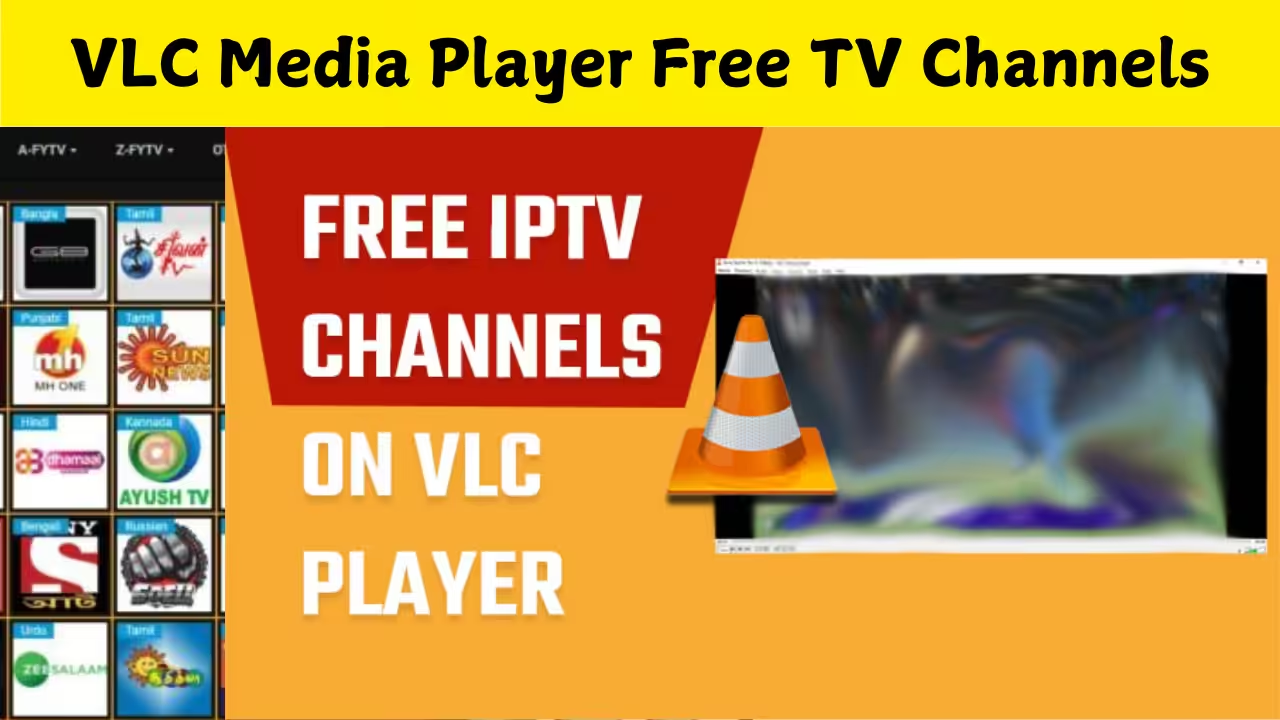
VLC Player can stream online videos and IPTV channels using network URLs or M3U playlist files. Many users use VLC to watch live TV channels, radio stations, and online streams directly without installing extra apps. VLC Player uses hardware acceleration to deliver smooth playback even for high-resolution videos like Full HD and 4K. This reduces CPU usage and improves battery life, especially on laptops and mobile devices.
Advanced Features Most Users Don’t Know
VLC Player allows screen recording, video conversion, audio extraction, playback speed control, frame-by-frame viewing, and audio-video synchronization. These advanced tools make VLC more than just a basic media player. VLC Player does not show ads, does not track user activity, and does not require account login. This makes it one of the safest and most privacy-friendly media players available today.
Common Problems and Fixes in VLC Player
Sometimes users face issues like no sound, subtitle delay, or lag. Most of these problems can be fixed easily through VLC settings such as audio output selection, subtitle synchronization, or enabling hardware decoding. Compared to other media players, VLC stands out because it is completely free, open-source, lightweight, and highly reliable. Many paid media players still lack the format support and flexibility that VLC offers for free.
Free TV Channel Link – https://iptv-org.github.io/iptv/index.m3u?utm_source=sp_auto_dm&utm_referrer=sp_auto_dm
Is VLC Player Safe to Download and Use
VLC Player is 100 percent safe when downloaded from official sources. It does not include malware, spyware, or unwanted software. Regular updates ensure better security and improved performance. The VLC development team continues to improve performance, add new format support, and enhance user experience. Future updates are expected to focus on better streaming support and improved mobile features. VLC Player remains one of the best media players ever created. Its ability to play almost any media file, combined with strong privacy, advanced tools, and zero cost, makes it a must-have app for every device. Whether you watch movies, listen to music, or stream online content, VLC Player can handle it all effortlessly.
OK