Why a Professional Passport Photo Matters
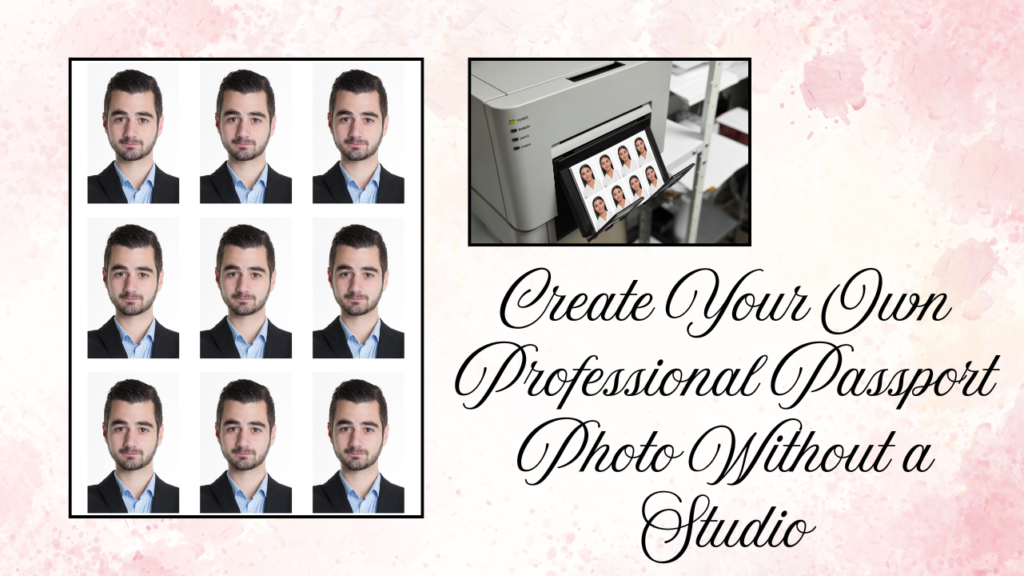
A professional passport photo is more than just a simple picture. It represents your identity in official documents like passports, visas, job applications, and government IDs. A poorly taken photo can lead to rejection, delays, or unnecessary stress. Creating your own professional passport photo ensures you meet official standards while saving both time and money.
Understanding Passport Photo Requirements
Before taking your photo, it is important to understand the basic passport photo requirements. Most countries require a plain white or light-colored background, a neutral facial expression, and direct eye contact with the camera. The image must be clear, well-lit, and free from shadows. Wearing uniforms, hats, or accessories that cover your face is usually not allowed unless required for religious reasons.
Choosing the Right Background
The background plays a crucial role in making your passport photo look professional. A clean white wall is the best option. If you do not have a suitable wall, you can use a white sheet or chart paper. Make sure there are no patterns, textures, or objects visible behind you. A simple and distraction-free background ensures your photo meets official standards.
Lighting Makes All the Difference
Good lighting is essential when creating your own professional passport photo. Natural daylight works best, especially near a window. Avoid harsh shadows on your face or behind you. Stand facing the light source so your face is evenly illuminated. If natural light is not available, use two soft lights placed on either side of your face to create balanced lighting.
Dressing for a Professional Look
Your clothing should be simple and neat. Choose solid colors that contrast with the white background, such as blue, black, or dark grey. Avoid white clothes, as they may blend into the background. Keep accessories minimal and remove large earrings or flashy jewelry. Your hair should be neatly arranged, and your face must be fully visible.
Positioning and Facial Expression
Stand or sit straight with your shoulders relaxed. Look directly into the camera lens and keep your head centered. Maintain a neutral expression with your mouth closed and eyes open. Do not smile too widely or tilt your head. A calm and natural look ensures your passport photo appears professional and acceptable for official use.
Using Your Smartphone or Camera Effectively
Modern smartphones have high-quality cameras that are perfect for taking passport photos. Use the rear camera for better resolution. Set the camera at eye level and keep it steady using a tripod or stable surface. Make sure the image is sharp and not blurry. Avoid using beauty filters or editing effects, as passport authorities require natural photos.
Editing and Cropping to the Correct Size
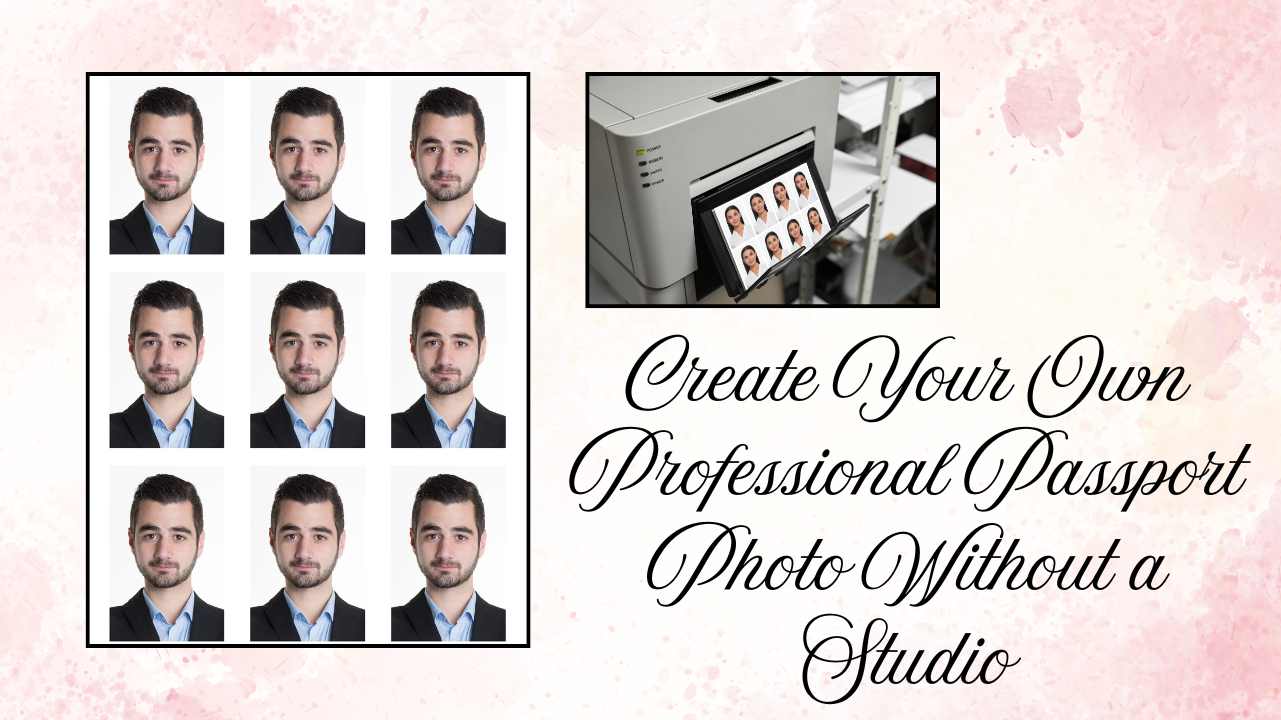
After capturing your photo, use basic editing tools to adjust brightness and crop the image to the correct passport size. Different countries have different size requirements, such as 35mm x 45mm. Ensure your head occupies the correct portion of the frame according to official guidelines. Do not over-edit or change your natural appearance.
Printing Your Passport Photo
Once your photo is ready, print it on high-quality photo paper. Choose a glossy or matte finish as required by your country’s passport authority. Use a professional printing service if possible to ensure accurate colors and correct dimensions. Make sure the printed image is clear and not pixelated.
Common Mistakes to Avoid
Many passport photos get rejected due to simple mistakes. Shadows on the face, incorrect background color, improper cropping, and exaggerated facial expressions are common errors. Wearing glasses with glare or tinted lenses can also cause rejection. Double-check all official guidelines before submitting your photo.
Save Money and Time with DIY Passport Photos
Creating your own professional passport photo at home is convenient and cost-effective. You no longer need to visit a studio or wait in long queues. With proper lighting, correct positioning, and attention to guidelines, you can produce a high-quality passport photo that meets official standards. By following the right steps, you can confidently create a professional passport photo anytime you need one.